Unlocking the Hidden Powers of Android Volume Buttons: Camera, Calls, and App Launchers.

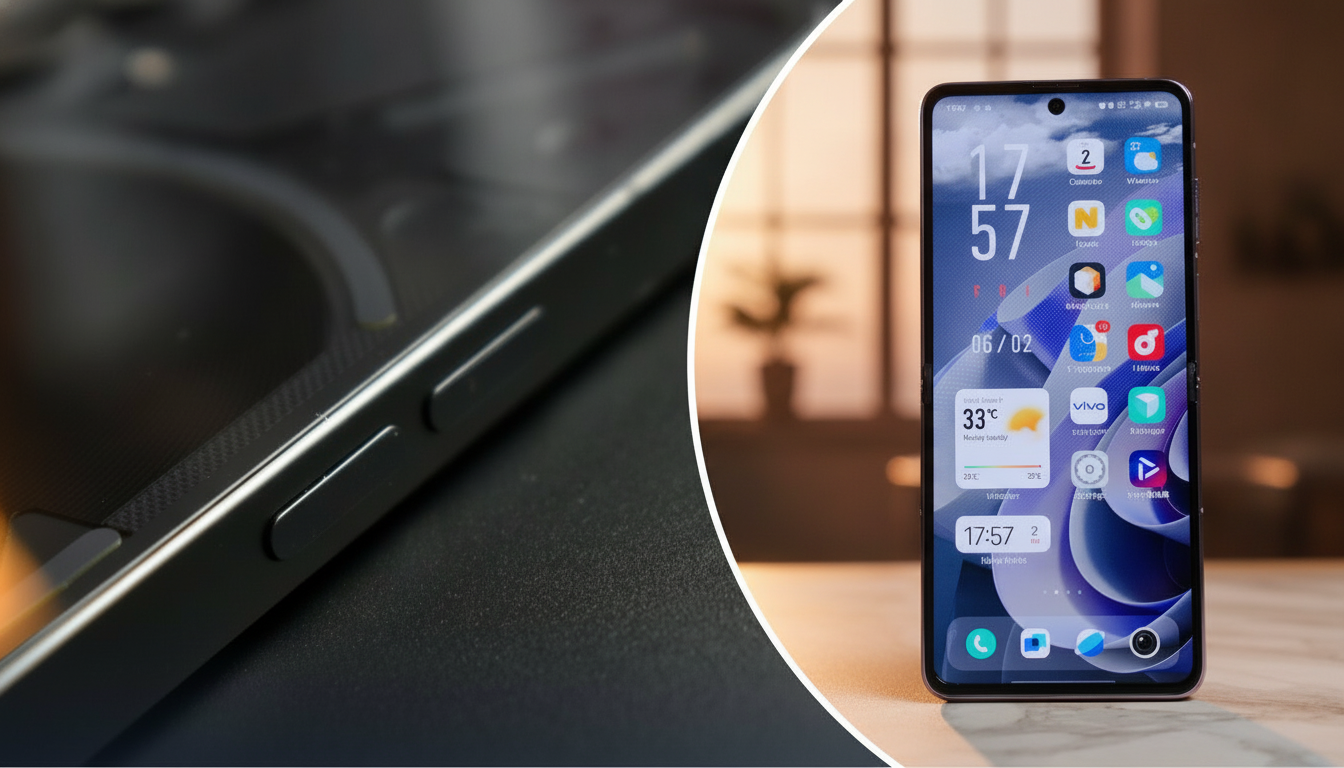
Beyond Sound Control: The Secret Capabilities of Android Volume Keys
According to Novyny.live: Most Android users think the volume buttons only adjust audio, but they actually hide a range of powerful shortcuts. These keys can handle tasks like snapping photos, managing alarms, launching apps, and even performing a forced reboot. By tapping into these features, you can make your smartphone far more convenient and efficient in daily use.
What Your Volume Buttons Can Really Do
One standout trick is using the volume keys as a physical shutter button for taking pictures—no need to tap the screen. This is especially handy for selfies or group shots. On certain Samsung Galaxy models, these buttons can also start video recording or control zoom, giving photography and videography enthusiasts extra flexibility.
Volume buttons also let you quickly silence an incoming call, which is perfect when you need to stop the ringing instantly. Additionally, they allow you to manage your alarm without opening the clock app, such as adjusting the alarm volume or snoozing it. This makes them far more versatile than their basic name suggests.
Another useful feature is turning the volume keys into quick shortcuts for launching your favorite apps. For example, you can set a button to open the camera or music player directly, saving you time and taps. This customization can streamline your workflow and put essential tools at your fingertips.
If your Samsung device freezes or encounters a technical glitch, a forced restart is simple: press and hold the side button together with the volume-down key for seven seconds. This hard reset can resolve many common issues without needing to visit a service center.
For even more control, third-party apps like Button Mapper let you remap the volume buttons to perform almost any action. These tools unlock advanced customization, making your interaction with the phone more intuitive and tailored to your habits.
Understanding the full potential of Android volume buttons can greatly enhance your user experience, especially if you frequently take photos, record videos, or manage apps on the go.
In short, Android volume buttons offer a wide array of hidden functions that boost both convenience and device capability. Their true value emerges when you customize them to fit your personal needs, turning a simple hardware feature into an essential part of your everyday smartphone use.
Read also
- Why Your Android Phone Might Charge Slowly Even with a High-Power Adapter
- Ukraine Unveils Cutting-Edge EW Systems and Radars Now Undergoing Military Trials
- Top SUVs of 2025: Which Models Deliver the Best Fuel Economy
- Step-by-Step Guide: How to Disable All AI Features in Windows 11
- China’s First Batch of 88 Ferrari Luce Electric Supercars Sells Out Instantly
- Engines That Last Decades: The World’s Most Reliable Powertrains