5 Hidden One UI Settings on Samsung Galaxy Phones That Boost Privacy and Convenience.

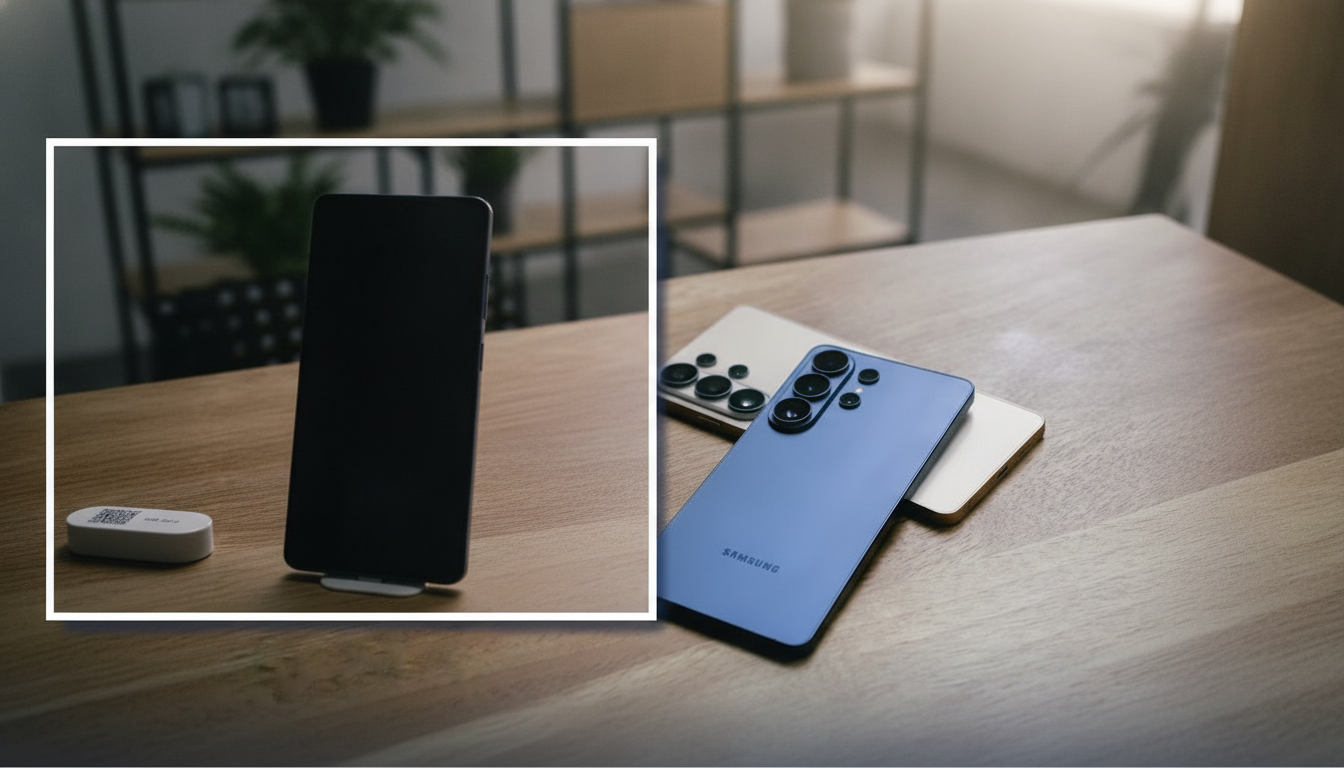
What's New in One UI 5.1 for Samsung Galaxy Devices
According to Novyny.live: Samsung Galaxy smartphones running the latest One UI software come packed with practical features that enhance customization, ease of use, and data protection. These tools let users tailor their devices to personal preferences while adding extra layers of security.
Key Features in One UI 5.1
-
A standout option is Separate App Sound, which lets you route audio from different apps to two separate devices. This is especially handy for multitaskers, allowing them to send sound from their phone to Bluetooth headphones and speakers at the same time.
-
You can also reassign the side button in the settings menu. This makes it quicker to launch frequently used functions or apps, streamlining how you interact with your phone.
-
For safeguarding private data, Samsung includes Secure Folder, an encrypted storage area. It keeps personal items like photos, documents, or apps hidden and inaccessible to anyone else who might pick up your device.
-
The Dual Messenger feature is another highlight, enabling two separate accounts within the same messaging app. This is ideal for separating work and personal chats while keeping everything in one place.
-
With the One UI 5.1 update, users can cut out objects from photos directly in the 'Gallery' app. This editing tool makes it easy to create collages or isolate specific elements for reuse.
These new One UI 5.1 features strengthen the competitive edge of Samsung Galaxy phones in the market. They not only expand personalization options but also meet modern user demands for both convenience and security. This reflects Samsung's ongoing commitment to improving its products based on consumer needs in a fast-evolving tech landscape.
Read also
- Ukraine Launches Humanoid Robot Initiative for Its Armed Forces: Key Details
- Ukraine’s Defense Ministry Launches Grant Competition for Humanoid Robots to Support Armed Forces
- AI-Powered Shopping Carts Arrive at Kyiv’s Silpo: Skip the Line with Mobile Payments
- Summer Heat Is Destroying EV Batteries — Here’s How to Protect Yours
- How a Scientifically Worthless Photo of Earth Taken by Voyager 1 from 6 Billion Kilometers Became an Icon
- Why Bringing Your Smartphone into the Bathroom Is Risky, Even with IP68 Rating