5 Simple Smartphone Settings to Extend Battery Life Without Charging.

Tips for Prolonging Your Smartphone's Battery Life
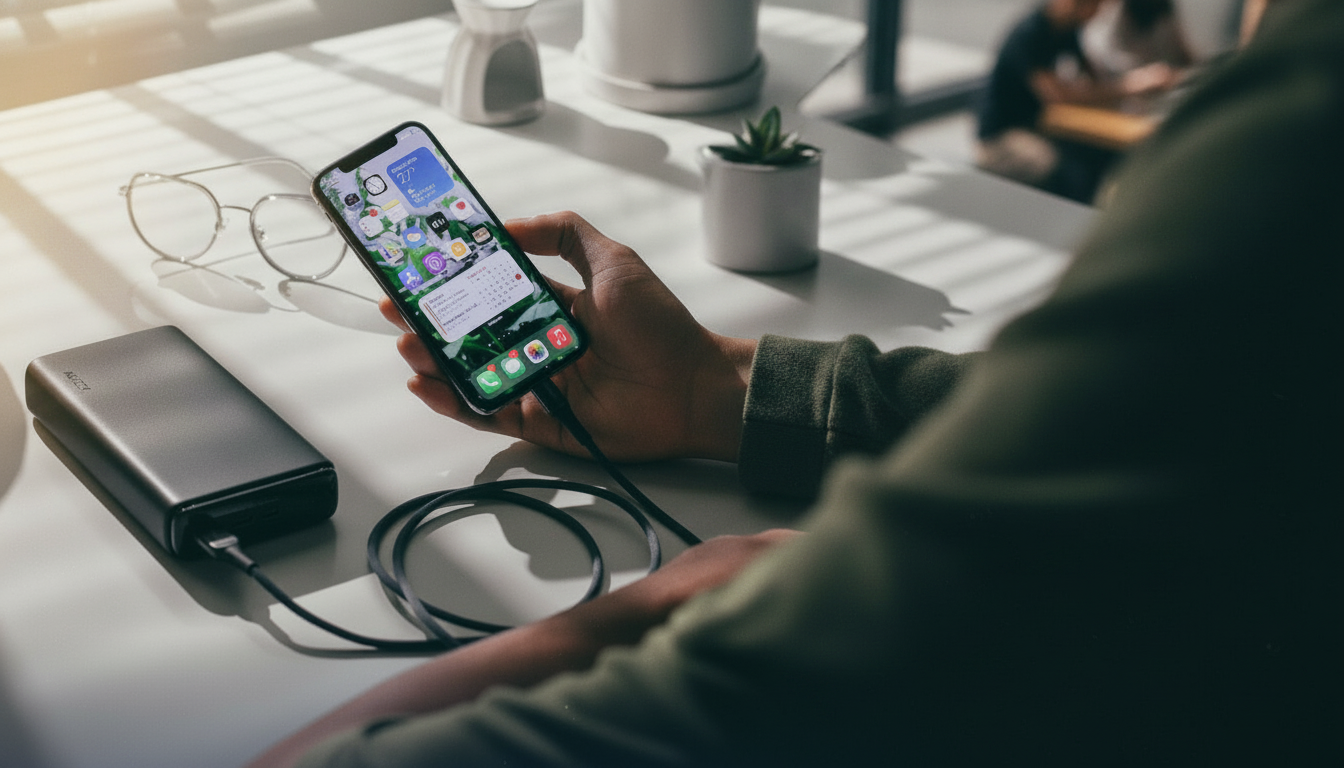
According to Novyny.live: Smartphones have become essential tools for daily life, but their use is often cut short by rapid battery drain. A few straightforward adjustments can help you keep your device running longer between charges.
- Adjusting screen settings
- Enabling dark mode
- Disabling wireless features
- Reviewing app energy usage
- Activating battery saver mode
- Performing regular system updates
The display is one of the biggest power consumers, so tweaking its settings should be your first move. Switching to a dark theme and lowering the screen refresh rate can significantly reduce power consumption and boost usage time. You should also turn off unnecessary wireless functions like Bluetooth and Wi-Fi when not in use, as they drain the battery in the background.
Another key step is checking which apps are using the most energy. This can help identify programs that are disproportionately draining your battery. Activating battery saver mode limits certain smartphone features to stretch the time until your next charge. Last but not least, keeping your system software up to date is crucial, as these updates often improve device optimization and security.
By following these simple tips, users can reduce how often they need to recharge and improve their smartphone's efficiency in everyday use.
The Growing Importance of Energy Conservation
As smartphones serve as primary tools for communication and work, energy conservation is becoming increasingly relevant. Applying the advice above can greatly enhance user satisfaction, especially in situations with limited access to electricity or during travel. Additionally, extending battery life helps reduce environmental impact by lowering the frequency of charging cycles and battery waste.
Read also
- Lifecell Introduces Gigabit Internet with Price Lock Until 2027
- Unlocking the Hidden Powers of Android Volume Buttons: Camera, Calls, and App Launchers
- Why Your Android Phone Might Charge Slowly Even with a High-Power Adapter
- Ukraine Unveils Cutting-Edge EW Systems and Radars Now Undergoing Military Trials
- Top SUVs of 2025: Which Models Deliver the Best Fuel Economy
- Step-by-Step Guide: How to Disable All AI Features in Windows 11