Is Google Listening? How to Disable Voice Recording on Your Android Device.

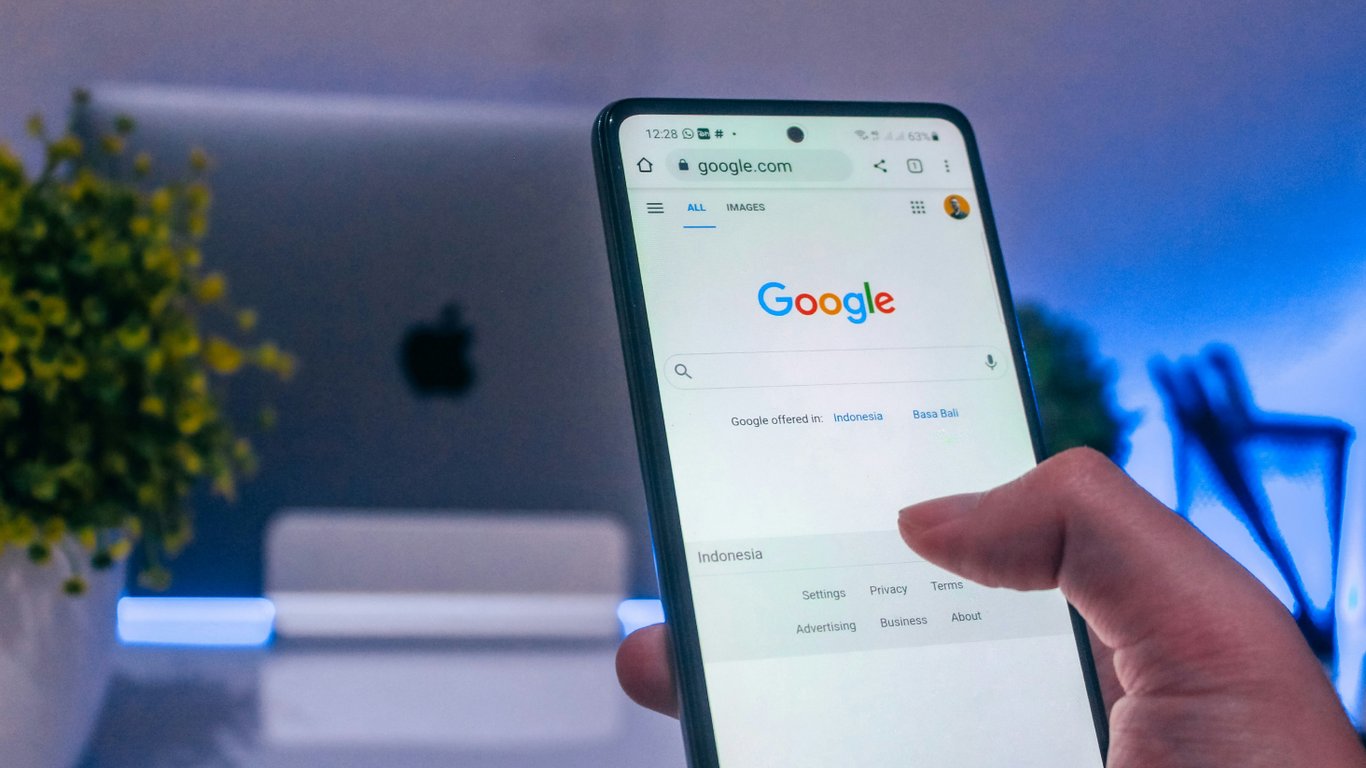
Google's Voice Features and What They Mean for Your Privacy
According to Novyny.live: While Google's voice-activated services on Android phones offer convenient access to a range of tools, they also raise serious privacy concerns. These features can remain active in the background, meaning your device is constantly listening for the trigger phrase 'Okay, Google.' This naturally leads to worries about what data is being collected and how it is stored.
Audio recordings of your voice commands are saved to your Google account only if the 'Web & App Activity' setting is enabled. This gives users the power to decide whether their voice data gets stored. However, turning off the saving of new voice data does not automatically delete recordings that have already been made. You can review and remove your past activity through the 'My Activity' section of your Google account, offering a way to manage the amount of information that has been gathered.
Adjusting Your Android Privacy Settings
To stop your phone from responding to the voice wake-up command, you need to navigate to the Google Assistant settings. This is a useful step for anyone looking to limit access to their voice data. By doing so, Android smartphone users can adjust their settings to better protect their privacy.
In the broader landscape of new technology, Samsung, for example, now lets people test features on upcoming Galaxy phones without having to buy the device first. While this highlights consumer interest in innovation, it does not diminish the growing need to maintain control over personal data as voice technology continues to evolve.
This situation underscores how crucial it is for users to understand the tools available to them for controlling their data in a rapidly changing world.
As voice technology becomes more popular, privacy concerns are only growing more urgent. It is essential for users to be aware of what data they are sharing and which settings can help them keep that information under their control.
Read also
- Smart Glasses Camera Disabled When Indicator Is Damaged: Meta’s New Privacy Update Explained
- NVIDIA Confirms Rigel Core for Rosa Processors: What to Expect from the Upcoming Lineup
- Intel’s 14A2 Process with Dual-Side Power Delivery: How It Could Reshape the Chip Market
- 260 Starlink Satellites Decommissioned by SpaceX: What’s Happening in Orbit
- First Jet1 Aircraft Model Now Under Assembly in Mojave: Promises Up to 50% Fuel Savings
- Seasonic Reveals RTX 5080 SUPER Specs: 415W TBP and 24GB Memory