Microsoft Integrates Internet Speed Test Directly into Windows 11.

New Features Arrive for Windows 11
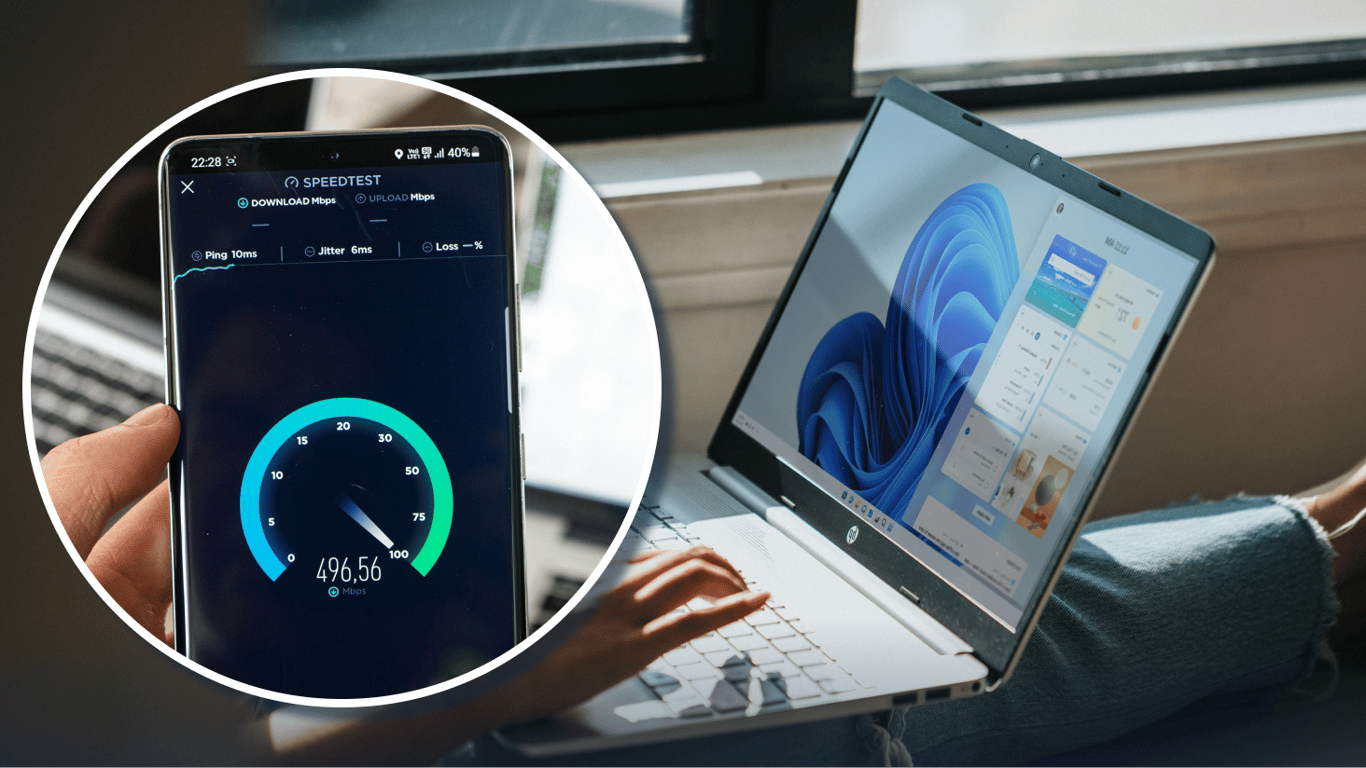
According to Novyny.live: Microsoft has rolled out a new set of features for Windows 11 to participants in the Release Preview channel. This update is significant for users who regularly check their connection, as it introduces a built-in internet speed test. Users can now right-click the network icon in the system tray to quickly assess their connection quality without needing third-party websites or apps.
Beyond the speed test, the Windows 11 24H2 (Build 26100) and 25H2 (Build 26200) versions have received update KB5077241, which brings additional enhancements. These include:
- Support for the new Emoji 16.0 standard
- The ability to set .webp format images as desktop wallpapers
These changes are designed to modernize the user experience and offer greater personalization for the operating system's interface.
Enhanced Recovery and a Shift in Activation Policy
Microsoft has also implemented a feature called Quick Machine Recovery, which is automatically enabled on Windows Pro devices not joined to a domain. This tool aims to provide a faster system restoration process in the event of a failure. However, in a move that may affect some users, the company has removed the option to activate Windows without an internet connection, shifting away from traditional offline activation methods.
These updates reflect Microsoft's ongoing effort to refine Windows 11's functionality for contemporary user needs. The addition of convenient tools like the integrated speed test and faster recovery options highlights a focus on usability and system reliability. While the removal of offline activation could pose challenges for some, it is likely part of a broader strategy to enhance software security and licensing control.
Read also
- Piston-Engine Drones Nearly All Shot Down by Ukrainian Air Defenses — Jet-Powered UAVs Now the Main Threat
- Quantum Navigation Without GPS: Australian Firm Unveils Ironstone Opal at Farnborough Airshow
- Activist Serhiy Sternenko Steps Down as Advisor to Ukraine’s Defense Minister
- Turning Steam Games Into Retro Cartridges: One Gamer’s DIY System Explained
- 3D-Printed Invisibility Cloak Hides Objects from Thermal Cameras, Scientists Reveal
- World's largest hybrid solar plant goes live in China: 1 GW capacity with molten salt storage