iOS 26 Released in Beta: 5 Key Changes to Try.

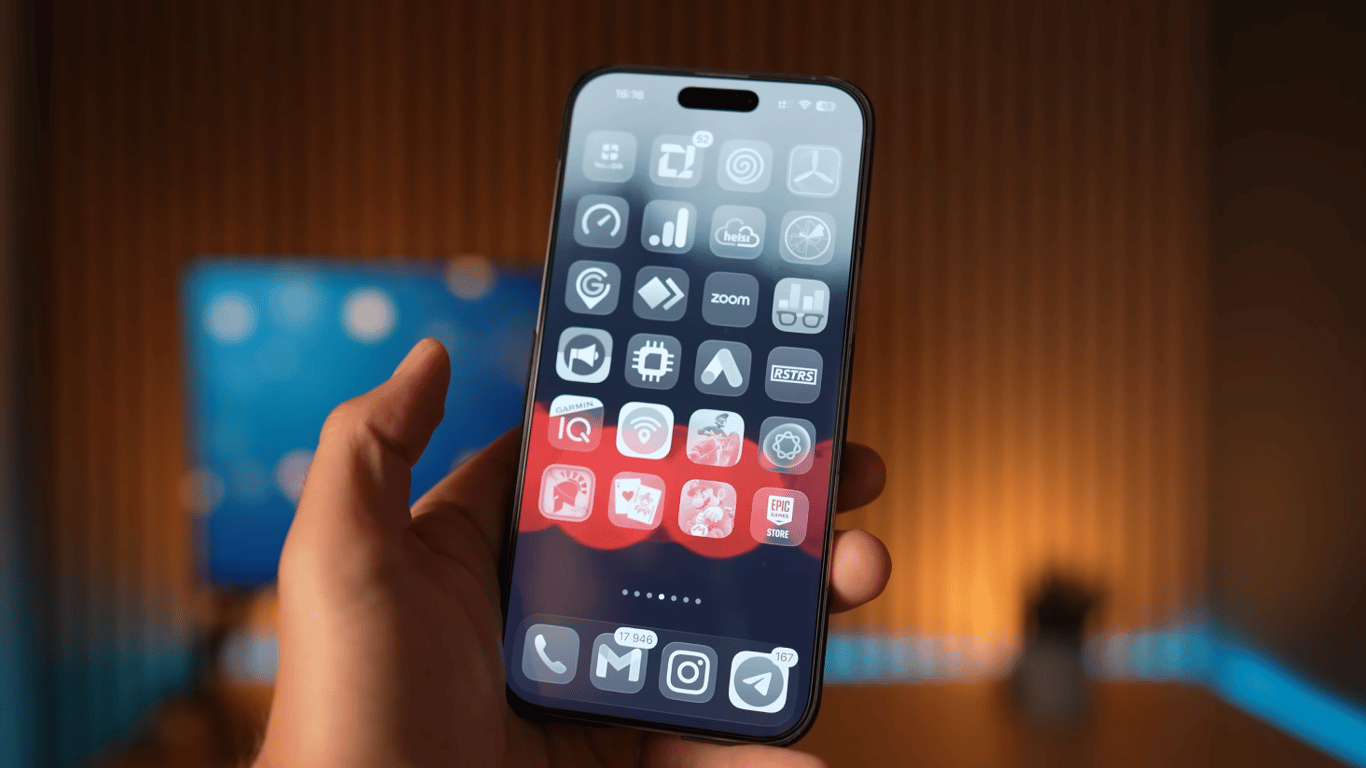
iOS 26 is now available in beta versions for developers and anyone interested, offering a number of notable changes and improvements. It already provides features that users may enjoy.
ZDNET
Liquid Glass
The new semi-transparent visual layer makes the interface 'glass-like': icons appear more three-dimensional, elements are multi-layered, and menus are semi-transparent. Despite mixed reviews, the effect is perceived both aesthetically and practically.
Updated 'Camera' App
The interface has been simplified, leaving the two most commonly used modes — 'Photo' and 'Video' — as defaults. Switching to other modes is easy and convenient.
Return of Understandable Navigation in 'Photos'
In iOS 26, this has been fixed: the Library and Collections now have separate sections, making it easier to use.
Call Screening from Unknown Numbers
To better protect against spam and fraud, the 'Phone' app has introduced a screening feature that quickly identifies calls from unknown numbers.
Default App Assignment in One Place
Changing 'defaults' has become easier: all settings are gathered in one menu, which is convenient for users.
The new version of iOS 26 is now available for developers and interested users to test. It offers users a number of interesting changes, such as Liquid Glass for enhancing the visual interface, an improved Camera app, convenient navigation in the photo gallery, and other useful features that make using the iPhone even more enjoyable.
Read also
- Antique Musket Balls Repurposed Into Solar Cells with 94% Efficiency
- South Korea Patents a Silent Engine for Air Taxis
- 144 FPS at 4K: A Gamer Pairs an RTX 3090 and RTX 3050 for Stunning Performance
- Snapdragon 8 Elite Gen 5: Qualcomm’s New Chip Targets Sub-$600 Smartphones
- Samsung Unveils Three New Odyssey Gaming Monitors: Specs and Features Revealed
- Plastic Waste Converted into Jet Fuel: New Breakthrough by Chinese Researchers












