7 Essential Tips to Preserve Your Smartphone's Battery During Power Outages.

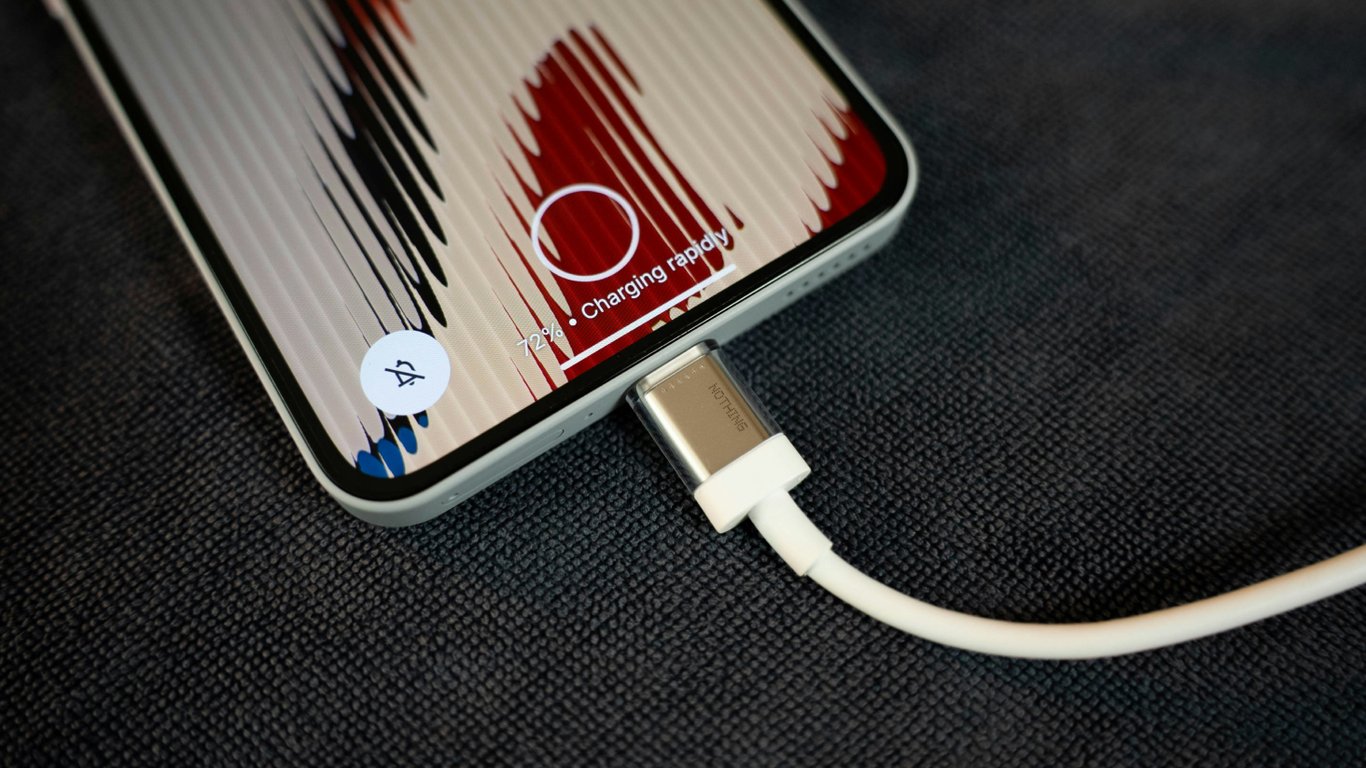
Smartphone Battery Preservation During Blackouts
According to Novyny.live: When the power goes out, knowing how to conserve your phone's battery is crucial for staying connected and using your device effectively. These seven proven methods will help extend your phone's operational life. Power outages, whether from infrastructure strain or severe weather, make these strategies vital for maintaining a lifeline.
Core Strategies for Battery Conservation
The display is your phone's biggest power drain. Reducing screen brightness to the lowest comfortable level can significantly extend battery life. For smartphones with AMOLED screens, activating dark mode provides additional savings. Furthermore, lowering the screen's refresh rate from 90/120 Hz to 60 Hz can noticeably reduce power consumption.
Utilizing your phone's built-in power-saving mode is equally important. Most modern smartphones offer this feature, with an ultra-power-saving mode that preserves charge by restricting the device to basic functions like calls and messages. This can be a critical tool during extended blackouts.
Wireless modules are another key factor. Wi-Fi consumes battery even in the background, so it's best to disable it when not in use. Enabling airplane mode, which temporarily shuts off all wireless communications, can also yield significant battery savings.
Background apps and notifications are major battery drainers. Closing unnecessary applications and limiting notifications, which light up the screen, helps conserve energy. It's also worth noting that taking photos and videos rapidly depletes the battery, so limiting camera use during an outage is advisable.
- Lower your screen brightness to a comfortable minimum.
- Enable dark mode on AMOLED displays.
- Activate your phone's power-saving mode.
- Turn off Wi-Fi when it's not needed.
- Use airplane mode whenever possible.
- Close unnecessary background applications.
- Limit camera use during the blackout.
For long-term battery health, maintaining a charge level between 50% and 60% is optimal. Automatic synchronization consumes both data and battery power, so manual configuration is better. Regularly charging an iPhone to 100% can accelerate battery degradation, so it's best avoided when possible.
Applying this advice will help you save your smartphone's charge during power cuts and remain connected when it matters most.
In regions experiencing frequent blackouts due to energy crises or natural disasters, preparedness for limited electricity access is essential. Conserving your smartphone's battery not only ensures communication but can be critical for receiving vital updates and staying in touch with family. Implementing these tips can help keep your device functional through challenging times.
Read also
- Antique Musket Balls Repurposed Into Solar Cells with 94% Efficiency
- South Korea Patents a Silent Engine for Air Taxis
- 144 FPS at 4K: A Gamer Pairs an RTX 3090 and RTX 3050 for Stunning Performance
- Snapdragon 8 Elite Gen 5: Qualcomm’s New Chip Targets Sub-$600 Smartphones
- Samsung Unveils Three New Odyssey Gaming Monitors: Specs and Features Revealed
- Plastic Waste Converted into Jet Fuel: New Breakthrough by Chinese Researchers












