How to Use All Privacy Features in Signal to the Maximum.

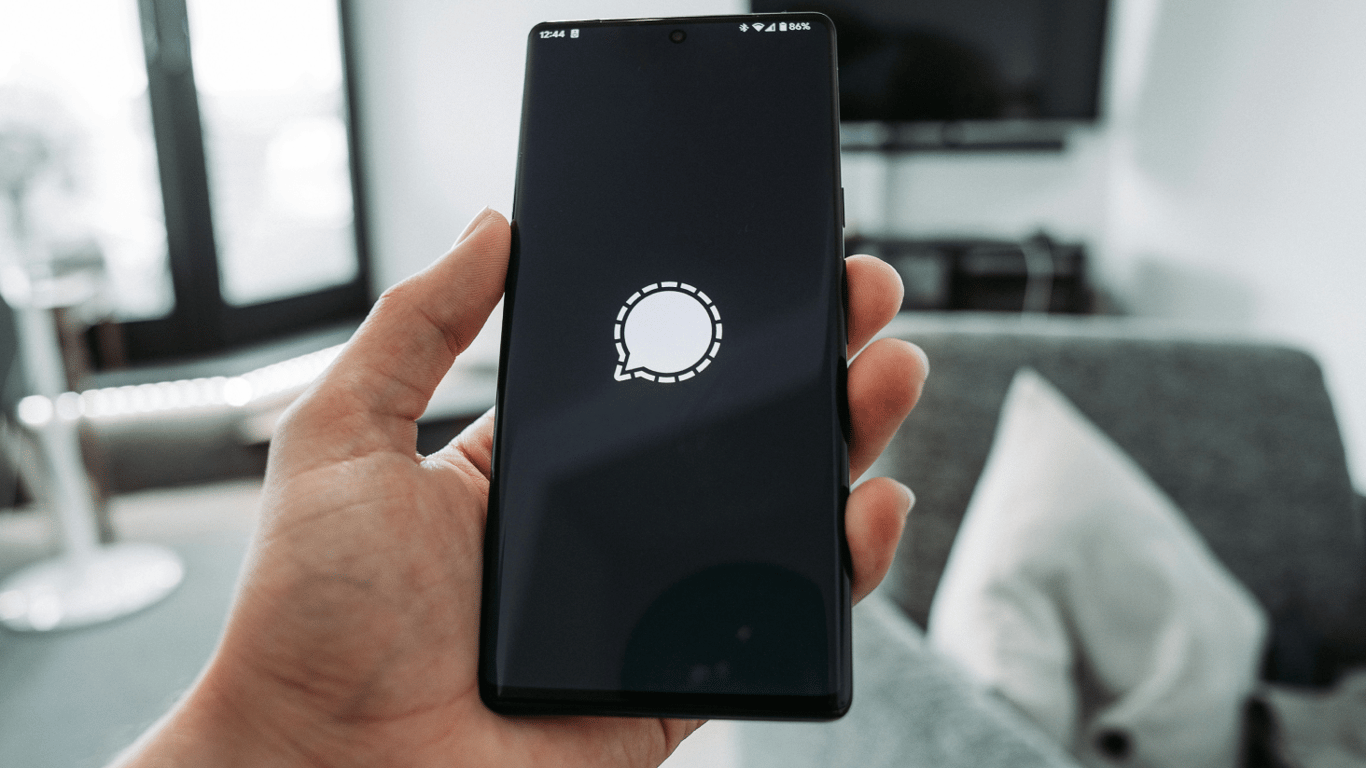
Signal is considered one of the most reliable messengers, where both text messages and calls are encrypted. However, to make the application even safer, it is necessary to properly configure some features.
Signal has decided to adopt new features to ensure greater privacy for users. Now, it is not necessary to provide a phone number to use the application: it is enough to create a nickname that will be visible to other chat participants but will not disclose personal data.
How to Change Profile Data and Hide Your Number
You can change information in your Signal profile at any time. To do this, go to 'Settings', click on your avatar, and edit the information as needed.
Signal is constantly improving, adding new capabilities to protect users' privacy. It is essential to keep an eye on updates to always have access to the latest security settings.
Read also
- Antique Musket Balls Repurposed Into Solar Cells with 94% Efficiency
- South Korea Patents a Silent Engine for Air Taxis
- 144 FPS at 4K: A Gamer Pairs an RTX 3090 and RTX 3050 for Stunning Performance
- Snapdragon 8 Elite Gen 5: Qualcomm’s New Chip Targets Sub-$600 Smartphones
- Samsung Unveils Three New Odyssey Gaming Monitors: Specs and Features Revealed
- Plastic Waste Converted into Jet Fuel: New Breakthrough by Chinese Researchers












