How to fix internet issues on iPhone in one minute.
24.07.2025
999

Journalist
Shostal Oleksandr
24.07.2025
999
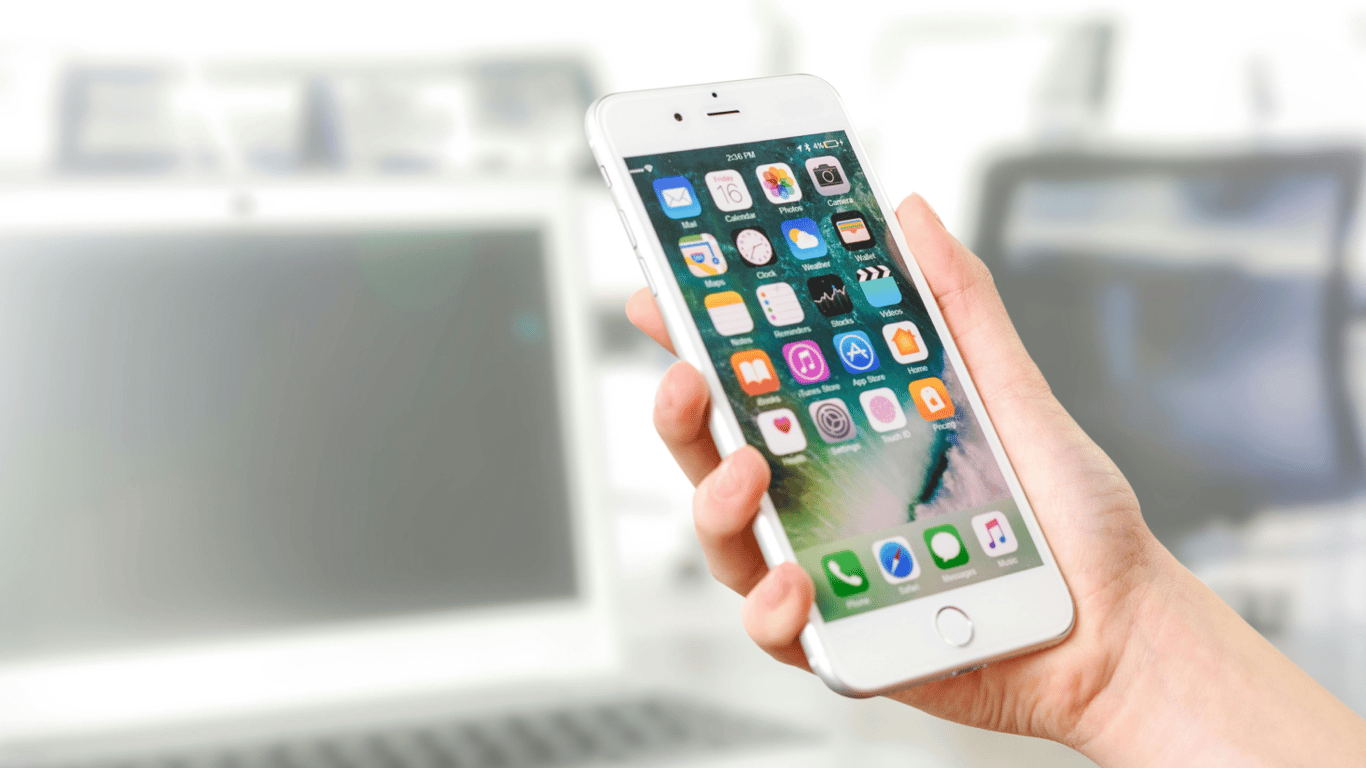
If you are having problems with Wi-Fi or mobile internet on your iPhone, you can resolve them simply by restarting the device. But if that doesn't help, we recommend resetting your network settings to restore the wireless interfaces' operation without losing personal data.
To use this feature, open 'Settings', go to 'General', tap 'Transfer or Reset iPhone', select 'Reset' and choose 'Reset Network Settings'. After confirming the action using your iPhone passcode, it will restart, and you will be able to set up Wi-Fi and other wireless interfaces again without any hassle.
Troubleshooting issues with Wi-Fi, Bluetooth, or mobile signal by resetting the network is one of the most effective methods for most users. During this procedure, saved Wi-Fi networks, passwords, VPN configurations, cellular data settings, and Bluetooth devices will be deleted, and you will have to reconnect to them after the reboot.
A useful tip for iPhone owners experiencing issues connecting to a wireless network or Bluetooth. It is recommended to try resetting the network settings to eliminate possible malfunctions and return the device to normal operation without losing important data.Read also
- Antique Musket Balls Repurposed Into Solar Cells with 94% Efficiency
- South Korea Patents a Silent Engine for Air Taxis
- 144 FPS at 4K: A Gamer Pairs an RTX 3090 and RTX 3050 for Stunning Performance
- Snapdragon 8 Elite Gen 5: Qualcomm’s New Chip Targets Sub-$600 Smartphones
- Samsung Unveils Three New Odyssey Gaming Monitors: Specs and Features Revealed
- Plastic Waste Converted into Jet Fuel: New Breakthrough by Chinese Researchers












