Slow Internet on Smartphone: 5 Ways to Speed Up Loading.

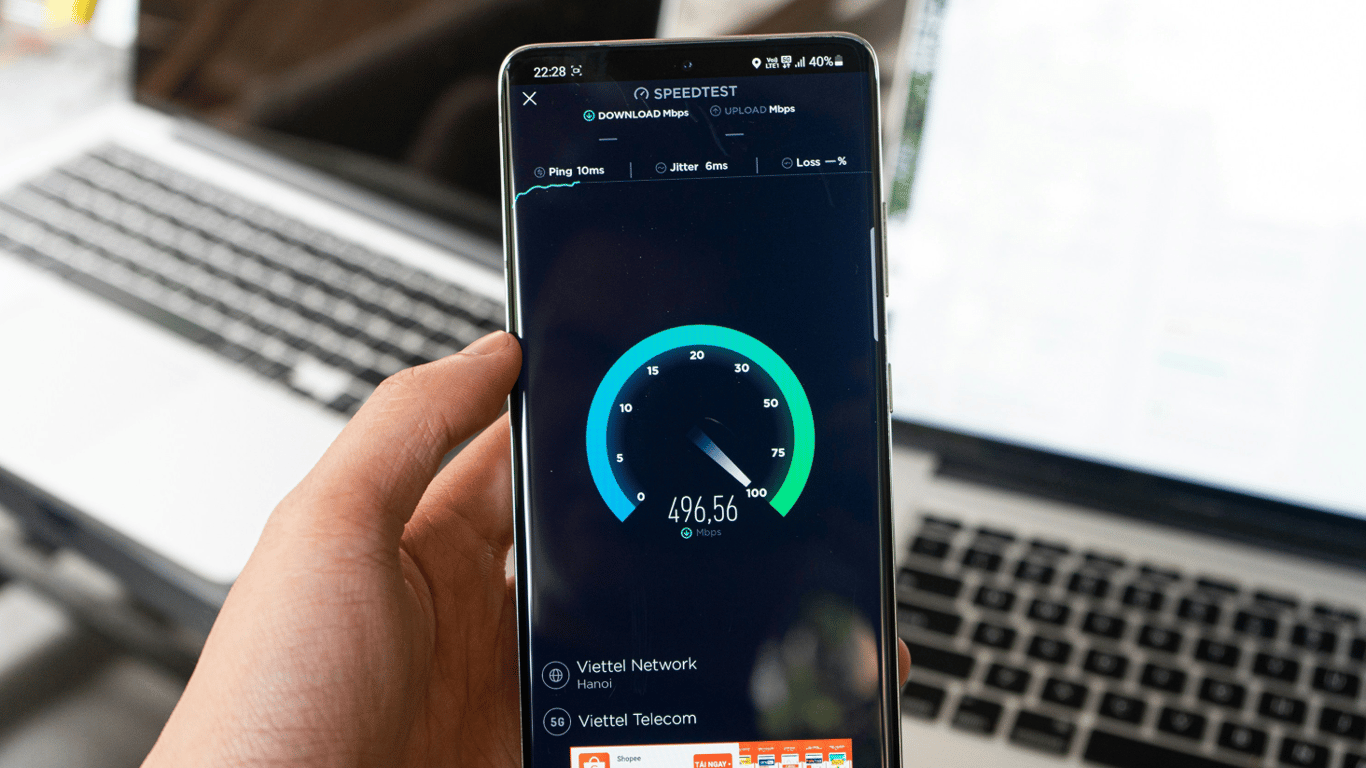
The connection speed on your smartphone determines how comfortably you will browse your Instagram feed or communicate with ChatGPT. If pages load slowly or videos endlessly buffer, first, check if the connection itself is slowing you down.
Here's how to do it, as reported by SlashGear.
How to Check Mobile Internet Speed and Troubleshoot Issues
First, you need to determine the maximum speeds that your plan allows: you won't exceed this limit with any settings. Connect your computer to the router via Ethernet, run a speed test, and then repeat it on your phone — this way, you can see if there's a difference. If the smartphone gets significantly lower results, you should go through several diagnostic steps.
The easiest way to reset the network is to turn on and off 'Airplane Mode', forcing the phone to find the strongest signal nearby; rebooting the device has a similar effect. Also, pay attention to the key icon in the status bar: it indicates that a VPN is active, which often 'cuts' bandwidth. Disable it in 'Settings' — 'Network & Internet' — 'VPN', and also ensure that 'Data Saver' mode isn't limiting data.
Tips for analyzing and improving mobile internet speed are essential for smartphone users, as a good connection is key for comfortably using popular apps and social networks. When setting up your network, keep potential problems and their solutions in mind to avoid worrying about slow internet at the most inconvenient moments.Read also
- Antique Musket Balls Repurposed Into Solar Cells with 94% Efficiency
- South Korea Patents a Silent Engine for Air Taxis
- 144 FPS at 4K: A Gamer Pairs an RTX 3090 and RTX 3050 for Stunning Performance
- Snapdragon 8 Elite Gen 5: Qualcomm’s New Chip Targets Sub-$600 Smartphones
- Samsung Unveils Three New Odyssey Gaming Monitors: Specs and Features Revealed
- Plastic Waste Converted into Jet Fuel: New Breakthrough by Chinese Researchers












