8 Things That Interfere with Your Wi-Fi Signal at Home.

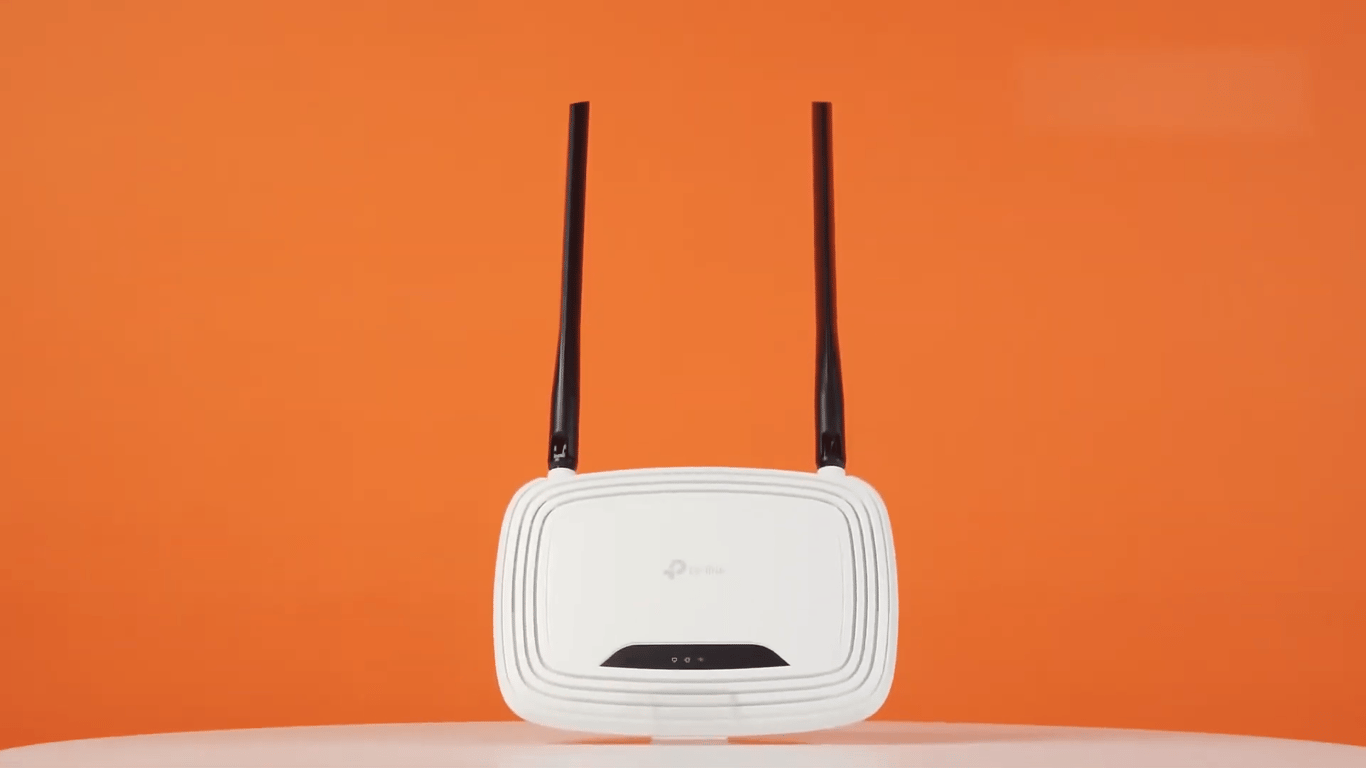
In an apartment, Wi-Fi can often malfunction due to various objects and materials surrounding it. This issue can be resolved by making some adjustments to the settings.
Router in an Unfortunate Location
A router hidden in a corner or on the floor provides a weaker signal. To improve reception, it is recommended to move it closer to the center of the apartment and elevate it.
Microwaves, Security Cameras, and Baby Monitors
Some devices, like microwaves and security cameras, operate on the same frequency as Wi-Fi, which can affect signal quality. To avoid this, it is advisable to switch devices to different frequencies or purchase devices with different frequencies.
Walls, Especially Concrete or Brick
Thick materials like concrete or brick can reduce the quality of the Wi-Fi signal. To overcome this issue, it is recommended to use repeaters or a mesh system.
Metal Surfaces, Mirrors, and Energy-Saving Windows
Metal and mirrors can reflect radio waves, which can also impact the Wi-Fi signal. It is recommended to keep the router away from metal surfaces and mirrors.
It is also essential to consider other factors, such as the influence of water, foreign Wi-Fi networks, scattered Bluetooth devices, and more, to improve signal and connection quality.
This article provides tips on how to enhance the Wi-Fi signal in an apartment by placing the router in a suitable location and avoiding obstacles that may affect connection quality.
Read also
- Antique Musket Balls Repurposed Into Solar Cells with 94% Efficiency
- South Korea Patents a Silent Engine for Air Taxis
- 144 FPS at 4K: A Gamer Pairs an RTX 3090 and RTX 3050 for Stunning Performance
- Snapdragon 8 Elite Gen 5: Qualcomm’s New Chip Targets Sub-$600 Smartphones
- Samsung Unveils Three New Odyssey Gaming Monitors: Specs and Features Revealed
- Plastic Waste Converted into Jet Fuel: New Breakthrough by Chinese Researchers