Apple Issues Wi-Fi Security and Stability Guidelines for Router Settings.

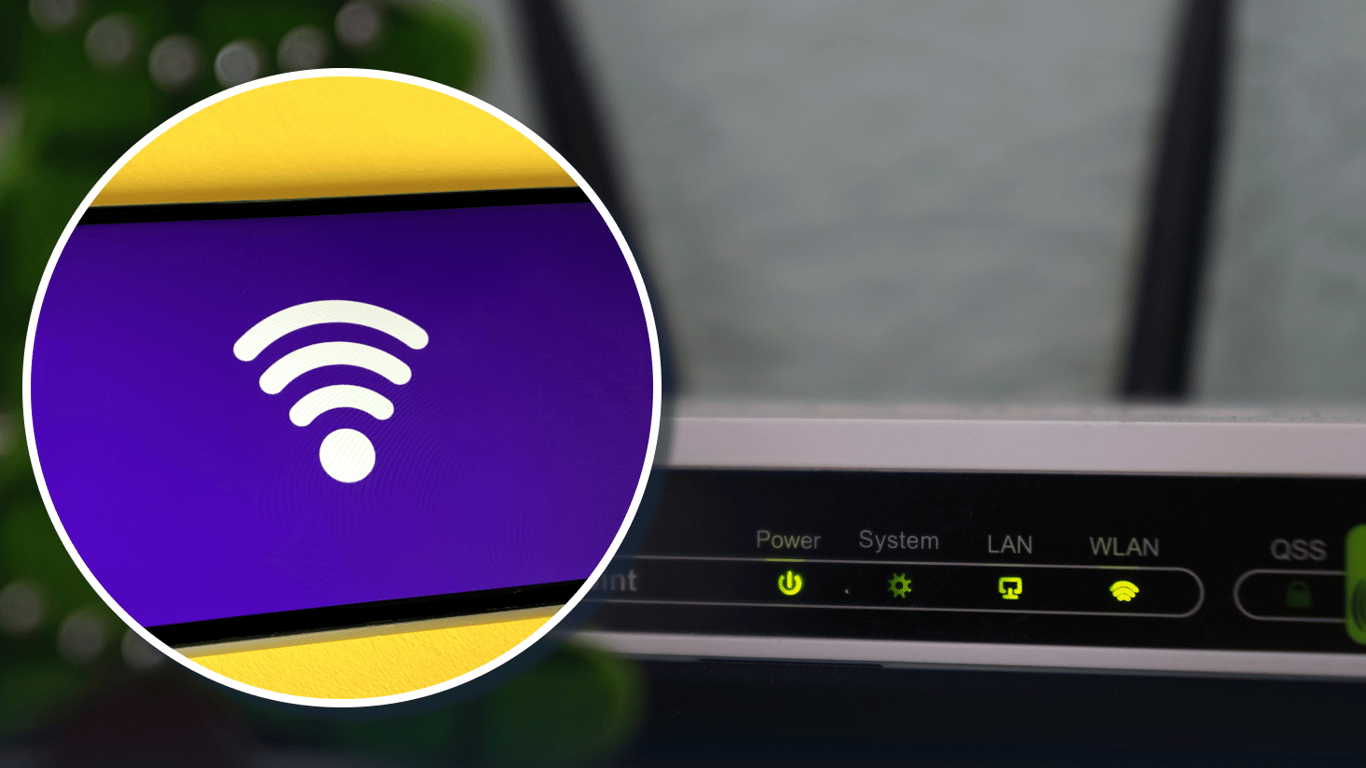
Apple's Recommendations for a More Secure Wi-Fi Network
According to Novyny.live: In response to growing cybersecurity threats, Apple has advised users to adjust their router settings to enhance the security and reliability of their Wi-Fi connections. Implementing modern security standards is crucial for ensuring a safe and stable network environment.
A primary recommendation from the company is to adopt the WPA3 Personal security protocol, which offers superior protection compared to older, outdated standards. For users with older devices, the WPA2/WPA3 Transitional mode is acceptable, as it maintains compatibility without compromising network security.
Additional Configuration Tips
- Use a single network name (SSID) for all of your router's frequency bands to simplify device connections.
- Avoid relying on a hidden SSID as a primary security measure, as it does not significantly enhance network safety.
- Enable automatic firmware updates for your router to ensure continuous security improvements.
- For the 2.4 GHz band, using a 20 MHz channel width is recommended to improve signal quality and reduce data loss.
Overall, following these guidelines can significantly improve the security and operational stability of a user's Wi-Fi network.
As technology evolves and cyber threats become more sophisticated, Apple's advice serves as a critical step for users aiming to protect their home networks. Adjusting router settings can have a substantial impact on security levels, particularly given the rise in hacking incidents and unauthorized access attempts. Adopting advanced security standards like WPA3 is increasingly vital for safeguarding user data privacy and integrity.
Read also
- Weakest Points of the Popular 2.0 TDI EA288 Diesel Engine Revealed
- Two Simple Ways to Turn an Old Wi-Fi Router Into a Signal Booster
- Why London Is Pouring £5 Billion Into Drones—and What It’s Learning from Ukraine
- Is the Mercedes-Benz E-Class W213 Still Worth Buying Used? A Look at the Legendary German Sedan
- Why SUVs Have Rear Wipers but Sedans Don’t: The Aerodynamic Explanation
- Stadler Nears Completion of FLIRT Intercity Production: Testing Set to Begin in 2026