Charging your laptop to 100% is a mistake: how to extend battery life.

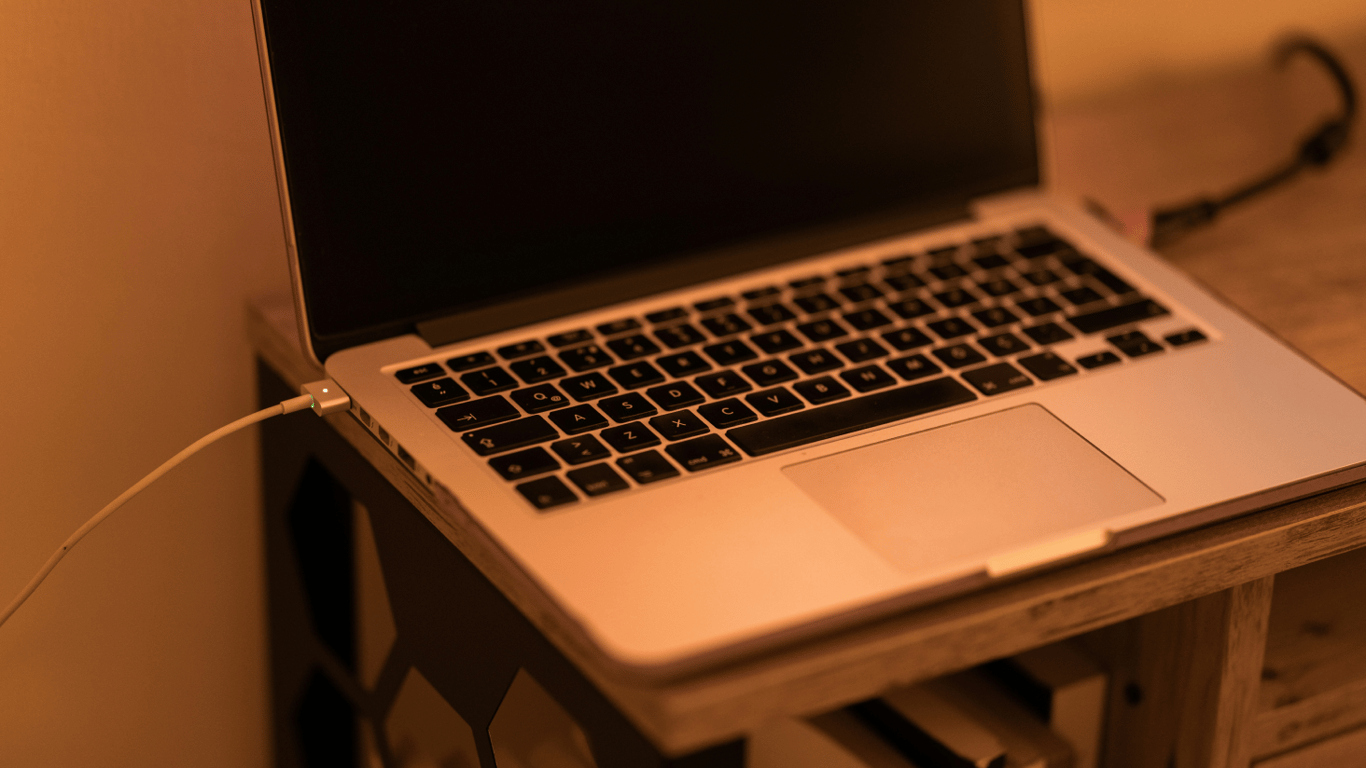
When the battery indicator approaches 100%, it seems that the device is ready for anything. But constantly keeping your laptop 'maxed out' accelerates the wear of the lithium-ion battery and eventually shortens the battery life.
Why 100% is stressful for the battery
Imagine a rubber band: if you keep it stretched to the max for hours, it loses elasticity and breaks. The same happens with lithium-ion battery cells when they are constantly held at 100% — internal chemical processes speed up, reducing maximum capacity. Additional heat during operation and charging amplifies the effect and accelerates degradation.
One effective solution is to use the '20-80' rule. It's simple to apply:
- Many laptops from Dell, Lenovo, ASUS, HP, and others often have utilities like 'Battery Optimization' or 'Battery Saver Mode'. They can limit the charge to around 80-85%, especially when the device is constantly plugged into the power supply;
- If such options are not available, connect the charger at about 20-30% and disconnect it at 80-90%. Don’t leave your laptop charging overnight — make partial recharges a habit.
Charging with partial cycles also makes sense. The well-known myth about 'full discharge/full charge' applied to nickel batteries which are not used in modern devices. Partial recharges are more beneficial for lithium-ion batteries.
Caring for the battery is a set of simple habits: avoid constant 100%, stick to the 20-80% range, and don’t overheat the device. This way, you will extend the battery lifespan and delay replacement costs.
Let’s remember, laptops provide mobility, but that comes at the cost of a bulky charger. Unlike compact smartphone adapters, most laptop chargers have a large transformer in the middle of the cable.
We also noted that modern laptops can automatically stop charging when the battery reaches 100%. So, keeping it plugged in doesn't harm the battery, but there are nuances to consider.
This article explains why constantly keeping laptops charged to 100% can lead to faster wear of lithium-ion batteries. Recommendations for charging the battery to 80% and avoiding full discharges will help extend the lifespan of batteries and delay their replacement. It also emphasizes the importance of taking care of a laptop battery to prolong its autonomy.
Read also
- Antique Musket Balls Repurposed Into Solar Cells with 94% Efficiency
- South Korea Patents a Silent Engine for Air Taxis
- 144 FPS at 4K: A Gamer Pairs an RTX 3090 and RTX 3050 for Stunning Performance
- Snapdragon 8 Elite Gen 5: Qualcomm’s New Chip Targets Sub-$600 Smartphones
- Samsung Unveils Three New Odyssey Gaming Monitors: Specs and Features Revealed
- Plastic Waste Converted into Jet Fuel: New Breakthrough by Chinese Researchers












