How Often Should You Reboot Your Wi-Fi Router? Experts Reveal the Ideal Frequency and Proper Method.

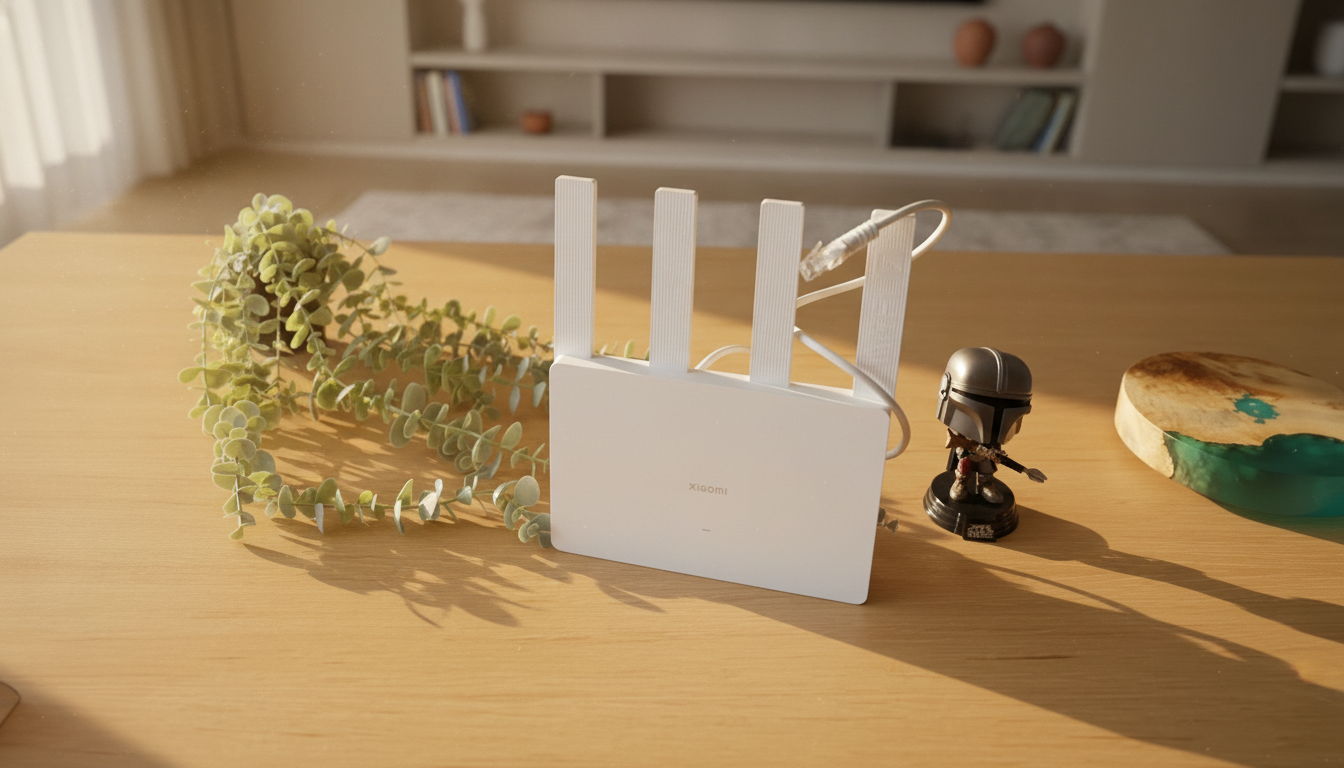
Rebooting Your Wi-Fi Router
According to Novyny.live: A simple yet highly effective step for boosting connection quality is rebooting your Wi-Fi router. This straightforward action can resolve many internet access issues that tend to develop over time. Experts emphasize that performing regular router restarts is key to maintaining a stable and reliable network.
Why Does Your Router Need a Restart?
Over extended use, routers can accumulate software errors and experience performance drops due to overload. Rebooting helps clear the cache, eliminate data latency, and restore the device to optimal functionality. This becomes especially important when your connection slows down or drops unexpectedly for no apparent reason.
How Often Should You Reboot?
Doing this once a month is considered the best practice. A regular restart keeps the device in good condition and helps prevent network problems before they start. Many modern router models even include an automatic reboot feature, making the process even more convenient for users.
The Correct Way to Reboot Your Router
Experts recommend unplugging the router from the power outlet for at least 30 seconds to ensure a complete power drain. This not only triggers a reboot but also fully clears any accumulated settings from normal operation. Once you plug the router back in, users can typically expect a noticeable improvement in connection quality.
In short, regularly rebooting your Wi-Fi router is a simple but crucial practice for maintaining high-quality internet access. By following these guidelines on frequency and technique, you can significantly enhance your network's performance.
This advice is especially valuable for anyone dealing with issues in a home or office network. Consistent rebooting can prevent many common glitches, leading to a smoother and more enjoyable internet experience. As technology continues to advance, staying informed about basic network device maintenance is essential for ensuring they operate at their best.
Read also
- Turn Your Old Phone Into a Smart Display: Inside the New ScreenWall Web Platform
- Speed Record Set by Bombardier Global 8000: Los Angeles to Farnborough in Just 8 Hours 46 Minutes
- A New Augmented Reality Platform Lets You Read and Build 3D Comics
- How Artificial Intelligence Is Unlocking Billions in Real Estate Value
- Ukraine’s Air Defense Gets a Boost: New 'Hot Dog' Drone Takes Down Over 300 Targets
- Windows That Generate Power Even at Night: A New Solar Innovation