PrivatBank changes rules for clients: how to update your financial phone number.
03.08.2025
4037

Journalist
Shostal Oleksandr
03.08.2025
4037
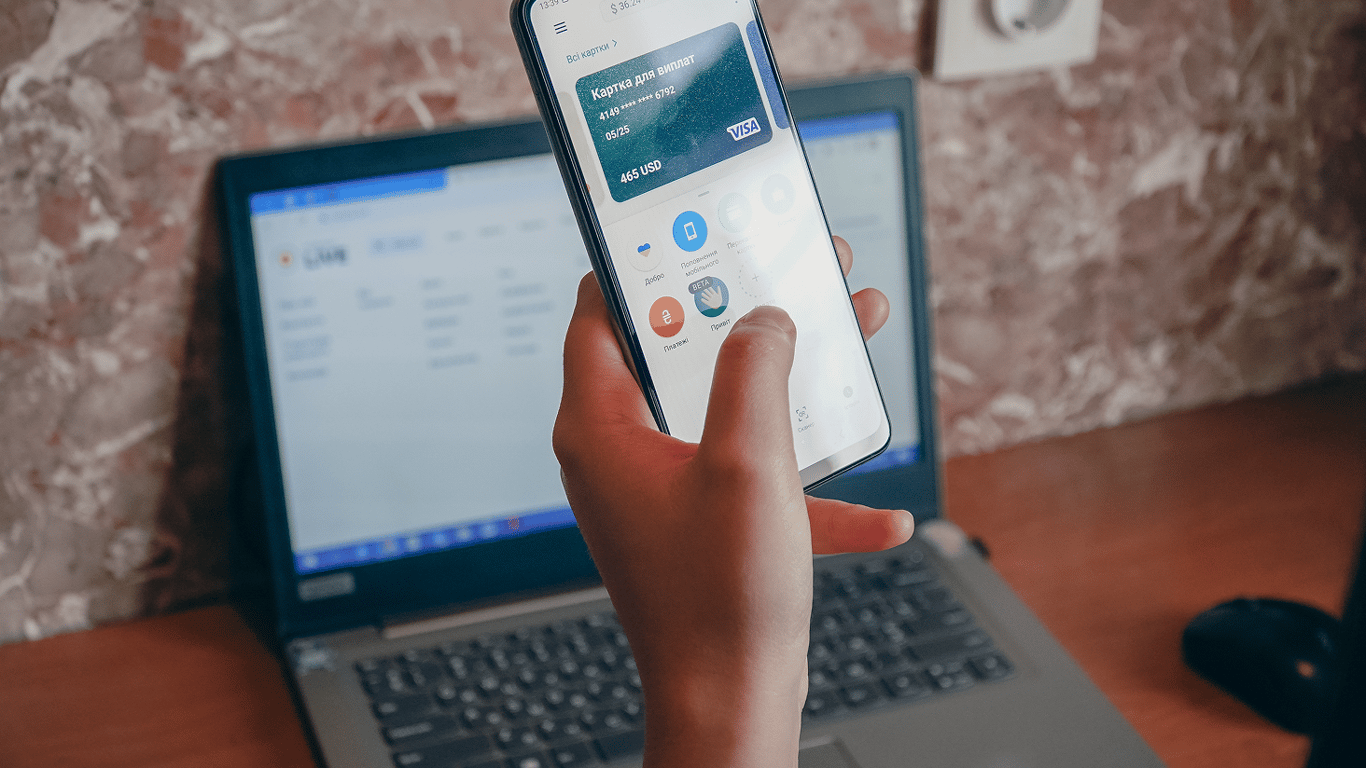
All PrivatBank clients have a financial number, but sometimes it may be necessary to change it. Novyny.LIVE provides a guide on how to change the financial phone number in Privat24.
How to change your financial phone number in Privat24
According to the information on the PrivatBank website, clients can easily change the number by logging in, clicking on 'Avatar', entering the new phone number, inputting the received password, and verifying through a call and code.
How to change the financial number at a PrivatBank ATM
At the ATM, insert your card, select the necessary operations, go to 'My Settings', and specify the new financial phone number. After entering the digits, you need to confirm the actions by receiving a code from the bank.
Explanation: The article provides instructions on how to change the financial phone number in Privat24 for PrivatBank clients. This can be useful in case of changing the contact number or granting access to third parties. Two methods of changing the number are described: through the personal account on the bank's website and through the ATM.Read also
- Fear of a New Mobilization Wave Drives Russians to Mass-Buy Property Abroad
- Moscow Admits Fuel Shortage for First Time Amid Drone Strikes: Long Lines at Gas Stations and Crisis Affecting 50 Million Russians
- World Bank Disburses $3.35 Billion to Ukraine: Here’s How the Funds Will Be Used
- Kyiv Public Transport Fare to Rise to 30 Hryvnias Starting July 15: New Pricing and Pass Options
- World Bank Transfers $3.39 Billion to Ukraine: Here’s How the Funds Will Be Used
- Ukraine to Begin Licensed Production of Patriot Missiles – Key Details