Three Main Reasons Your Android Phone Won't Charge and How to Fix Them.

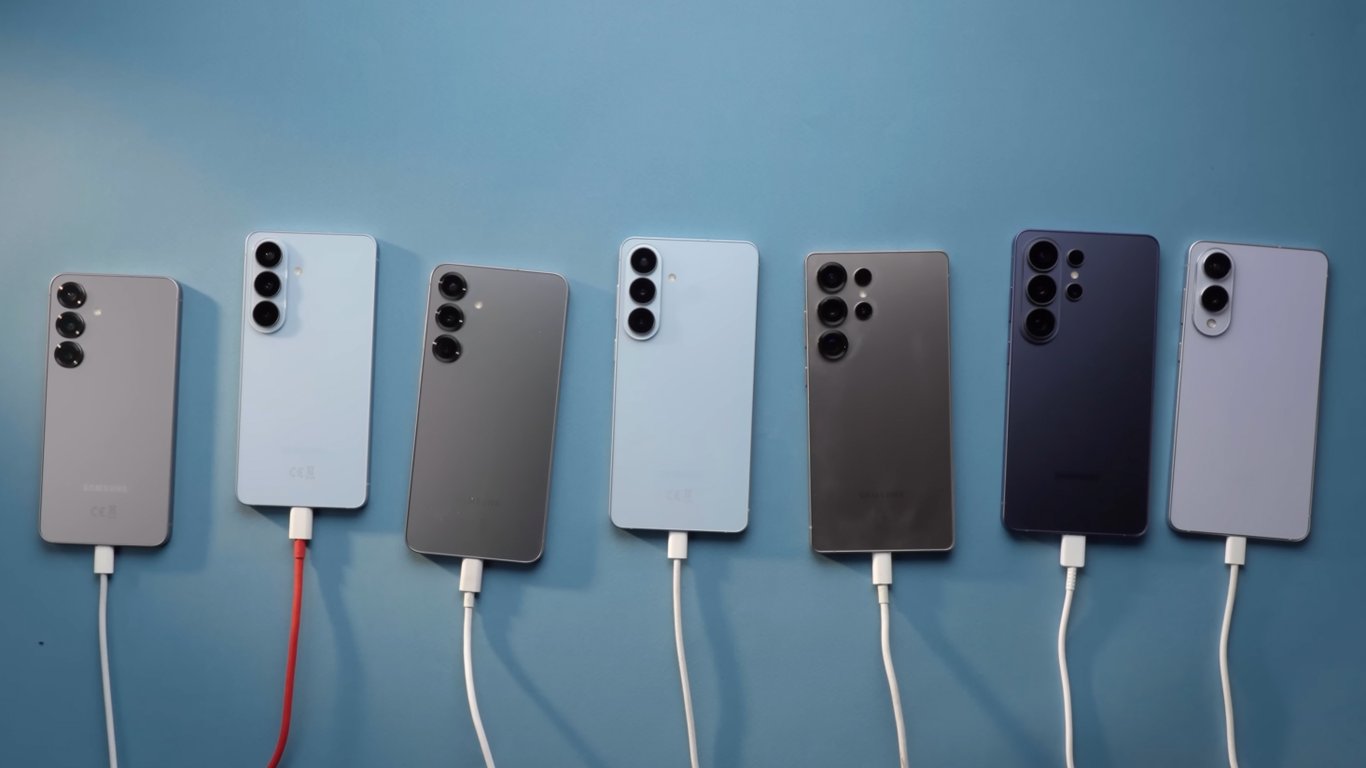
Why Your Android Smartphone Might Not Be Charging
According to Novyny.live: If your Android device refuses to charge, the issue usually comes down to one of three common culprits. These include a dirty USB port, a worn-out cable, or a moisture detection safety feature found in certain models like Samsung phones.
Dust and debris lodged in the USB port can physically block the charging connector from making proper contact. This buildup is a frequent obstacle to successful charging. To resolve this, regularly clean the port to restore a solid electrical connection.
Another frequent cause is a degraded charging cable. Inexpensive third-party cables tend to wear out faster than original accessories, eventually failing to transmit power effectively. Investing in high-quality cables ensures reliable energy transfer and reduces charging issues.
Many Samsung smartphones include a built-in safety system that cuts off power when moisture is detected in the USB port. If this happens, a water droplet icon or a related alert appears on the screen. In such cases, users should wait for the port to dry completely or gently clean it if possible.
If the moisture warning persists, clearing the USB cache in the device settings may help. This step can resolve temporary software glitches that interfere with the charging process.
What Affects Charging Speed
Actual charging speed also depends on the compatibility of standards between your phone, cable, and power adapter. Although USB-C has become a universal connector, cable capabilities vary widely, which can directly impact how fast your device charges. Paying attention to the quality and specifications of your accessories is essential.
It's important to remember that charging problems with Android smartphones often stem not just from the device itself, but also from using low-quality accessories. Regularly inspecting your chargers and cables can help prevent unexpected failures. Keeping these factors in mind will significantly improve charging efficiency and extend your phone's battery life.
Read also
- Antique Musket Balls Repurposed Into Solar Cells with 94% Efficiency
- South Korea Patents a Silent Engine for Air Taxis
- 144 FPS at 4K: A Gamer Pairs an RTX 3090 and RTX 3050 for Stunning Performance
- Snapdragon 8 Elite Gen 5: Qualcomm’s New Chip Targets Sub-$600 Smartphones
- Samsung Unveils Three New Odyssey Gaming Monitors: Specs and Features Revealed
- Plastic Waste Converted into Jet Fuel: New Breakthrough by Chinese Researchers












