The smartphone charging port can do more: 10 unexpected devices to connect.

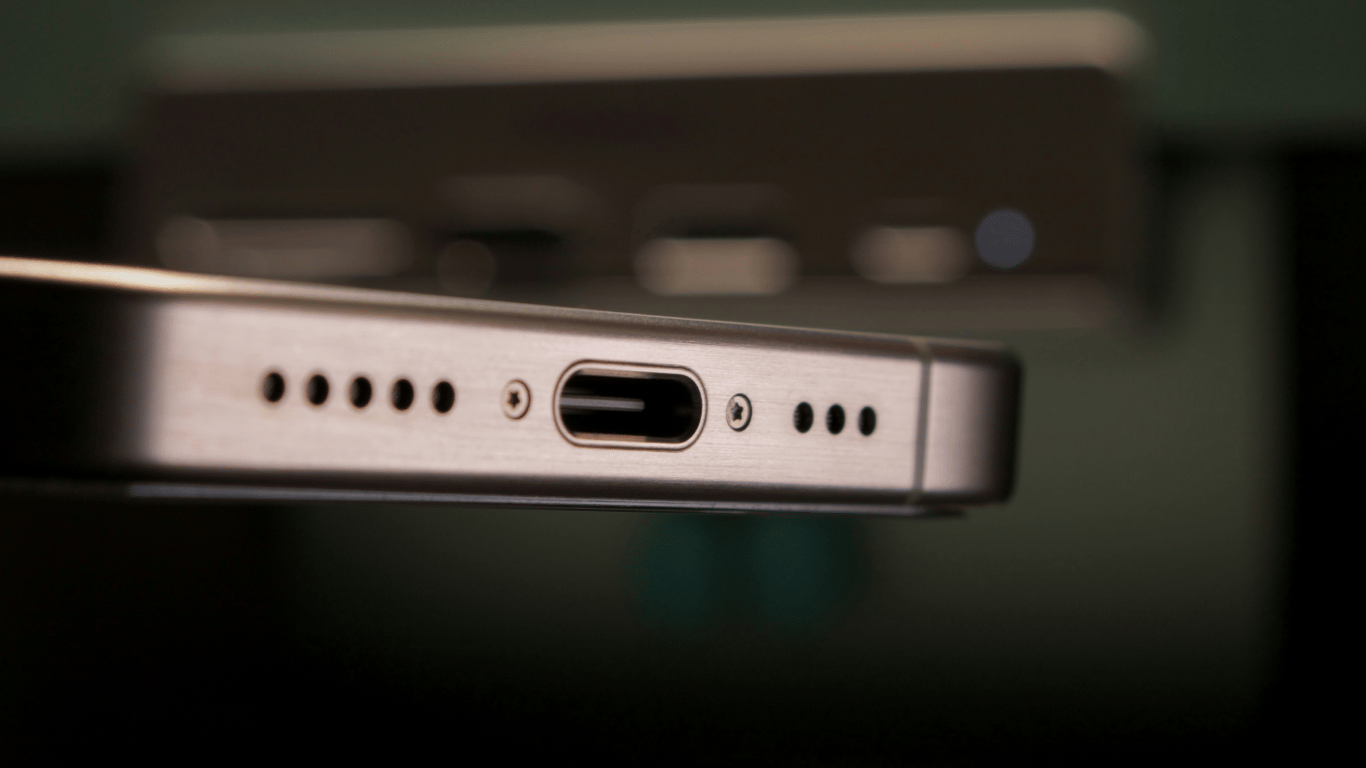
The smartphone charging port is often perceived merely as a 'socket' for the battery. In reality, it opens up many more scenarios if you know what to connect.
As MakeUseOf writes.
Flash drives and external storage
The easiest way to offload memory is to connect a flash drive or portable disk and transfer files. You need an OTG adapter or a USB-C flash drive, and for iPhone with Lightning — a compatible flash drive or Lightning-to-USB adapter. Heavy drives often lack power supply, so it's safer to use separately powered models or a powered USB hub.
Gamepads
For gaming, it's more convenient to connect an Xbox/PlayStation controller or mobile grips. Most phones support 'plug-and-play', but it's worth checking if the game recognizes the gamepad.
Keyboards and mice
For emails and documents, wired peripherals connect through an OTG adapter, if necessary — through a powered USB hub. Usually, drivers are not required.
Ethernet cable
When Wi-Fi is unstable, USB-C-to-Ethernet (or Lightning-to-Ethernet for older iPhones) provides wired internet. After connecting, the phone usually prioritizes it automatically.
Projectors
Smartphones with DisplayPort Alt Mode can output images via USB-C-to-HDMI/VGA. For older iPhones, a Lightning Digital AV Adapter is needed, and for micro-USB — an MHL adapter (results depend on the model).
DSLR cameras
Photos and videos can be transferred directly to the phone via a cable using USB-C/Lightning-to-USB, if the camera supports USB transfer and is turned on. On iPhone, import happens through 'Photos'.
Printers
Printing from the phone is possible via USB with a suitable adapter and the manufacturer's app or compatible software. On iPhone, an AirPrint-compatible printer that also supports USB will help.
MIDI controllers and audio interfaces
Music controllers and interfaces work via OTG and compatible applications (GarageBand, BandLab, FL Studio, etc.). Some models require a powered hub or appropriate adapters.
External microphones
There are microphones with USB-C/Lightning that are automatically recognized. For models with 3.5 mm, adapters are needed (Lightning-to-3.5 mm or USB-C-to-3.5 mm with input support, not all adapters have it).
TVs and monitors
Connection is similar to a projector: DisplayPort Alt Mode support and a USB-C-to-HDMI adapter are needed. On Samsung smartphones, the DeX mode is available with a desktop, windows, and drag-and-drop files, and with a keyboard and mouse, the phone turns into a minimal 'PC'.
Note that the smartphone may lose speed not due to technical issues, but due to the user's daily habits. These often lead to slowdowns, lags, and animation glitches.
We also wrote that the appearance of a green vertical stripe on the smartphone screen indicates a hardware malfunction. This problem cannot be resolved independently — the display or complete module needs to be replaced.
Using the charging port not just as a 'socket' for charging, the smartphone charging port can be used to connect a variety of devices, from flash drives and gamepads to printers and monitors. This expands the smartphone's capabilities and provides more convenience for everyday use.Read also
- Antique Musket Balls Repurposed Into Solar Cells with 94% Efficiency
- South Korea Patents a Silent Engine for Air Taxis
- 144 FPS at 4K: A Gamer Pairs an RTX 3090 and RTX 3050 for Stunning Performance
- Snapdragon 8 Elite Gen 5: Qualcomm’s New Chip Targets Sub-$600 Smartphones
- Samsung Unveils Three New Odyssey Gaming Monitors: Specs and Features Revealed
- Plastic Waste Converted into Jet Fuel: New Breakthrough by Chinese Researchers












