Transform Your Phone in Two Minutes: A Risk-Free Guide to Setting Up Nova Launcher.

Understanding Android Launchers
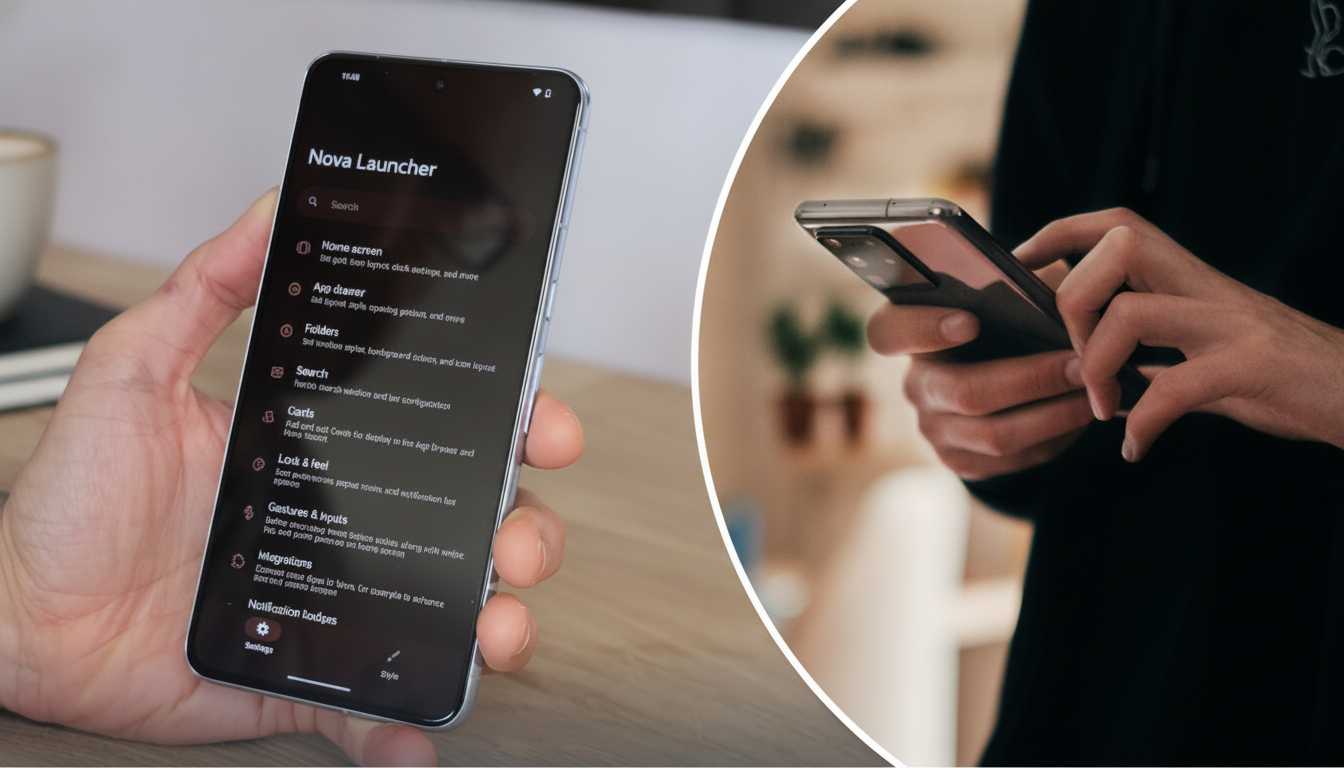
According to Novyny.live: An Android launcher is an application that lets you overhaul the look of your home screen and smartphone interface. Among the most popular choices for personalization is Nova Launcher, a tool widely used by those seeking to customize their device's appearance.
What Nova Launcher Changes
With Nova Launcher, users can adjust the home screen, app drawer, and transition animations. The interface can be tailored to individual preferences without altering the underlying operating system. Crucially, this launcher does not access personal data, offering added peace of mind regarding security.
How to Install Nova Launcher
Getting Nova Launcher up and running takes less than two minutes. Simply open the Google Play Store, search for Nova Launcher, and download either the free version or the Prime edition—the latter unlocks extra features for deeper customization.
Potential Drawbacks After Switching
Despite its many benefits, switching to Nova Launcher may come with a few downsides. Users might need time to adapt to the new interface, and minor compatibility issues with certain apps could arise.
All things considered, Nova Launcher offers an effective way to revamp your home screen and smartphone interface without tampering with the system itself.
Choosing a launcher like Nova Launcher can significantly enhance the user experience, reflecting one's personal style and individuality. Since Android remains one of the most widely used mobile operating systems, customization options are key for many users looking to make their device stand out. This also highlights the role of software developers in creating tools that meet the tastes and needs of today's consumers.
Read also
- Turn Your Old Phone Into a Smart Display: Inside the New ScreenWall Web Platform
- Speed Record Set by Bombardier Global 8000: Los Angeles to Farnborough in Just 8 Hours 46 Minutes
- A New Augmented Reality Platform Lets You Read and Build 3D Comics
- How Artificial Intelligence Is Unlocking Billions in Real Estate Value
- Ukraine’s Air Defense Gets a Boost: New 'Hot Dog' Drone Takes Down Over 300 Targets
- Windows That Generate Power Even at Night: A New Solar Innovation