Smartphone slowing down: 10 simple ways to speed up operation without spending.

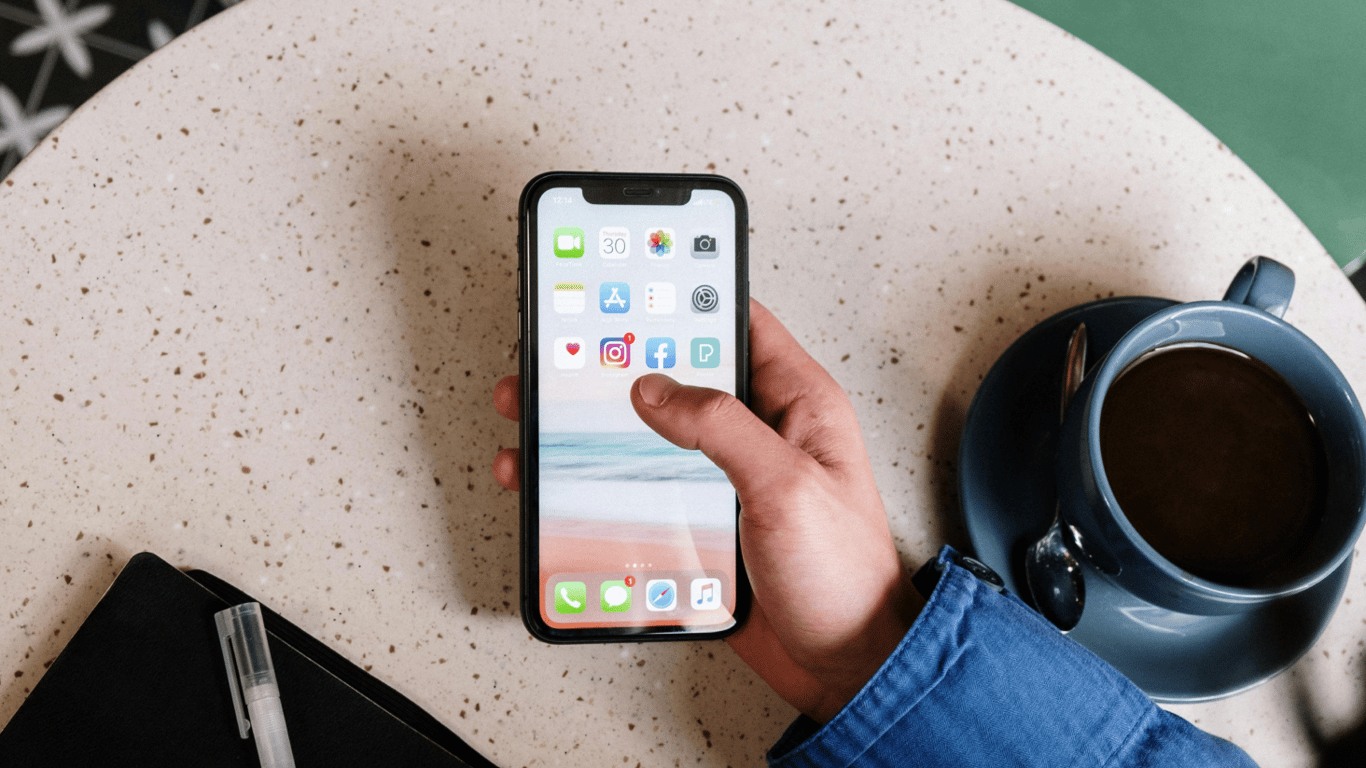
A slow smartphone can cause stress for the user since it is used for many purposes, and any delays can affect productivity and mood. However, most performance issues can be resolved on your own without going to a service center.
Even new smartphones can start to work slowly due to memory overflow, background processes, outdated software or a large number of applications. To improve performance, a few simple steps can be taken.
NV:
- Clear memory of photos and cache in applications.
- Uninstall unnecessary applications that you rarely use.
- Check and limit the background activity of applications.
- Update software and turn off unnecessary effects and animations.
- Do not use power-saving mode unless necessary.
It is also important to regularly reboot the phone, and in case of extremely low speed, consider resetting to factory settings. Consider expanding storage using a memory card or cloud services for data storage.
In general, the speed of a smartphone depends not only on technical specifications but also on the proper use and care of the device. Following simple recommendations will help ensure stable and productive operation of your gadget.
Conclusion
The article explains why smartphones may slow down and how to fix it on your own without going to a service center. The provided tips will help users maintain the performance of their device and avoid stress from slow operation of the gadget.
Read also
- Antique Musket Balls Repurposed Into Solar Cells with 94% Efficiency
- South Korea Patents a Silent Engine for Air Taxis
- 144 FPS at 4K: A Gamer Pairs an RTX 3090 and RTX 3050 for Stunning Performance
- Snapdragon 8 Elite Gen 5: Qualcomm’s New Chip Targets Sub-$600 Smartphones
- Samsung Unveils Three New Odyssey Gaming Monitors: Specs and Features Revealed
- Plastic Waste Converted into Jet Fuel: New Breakthrough by Chinese Researchers












