Rebooting Your PC 1–3 Times Per Week: What It Does for Performance.

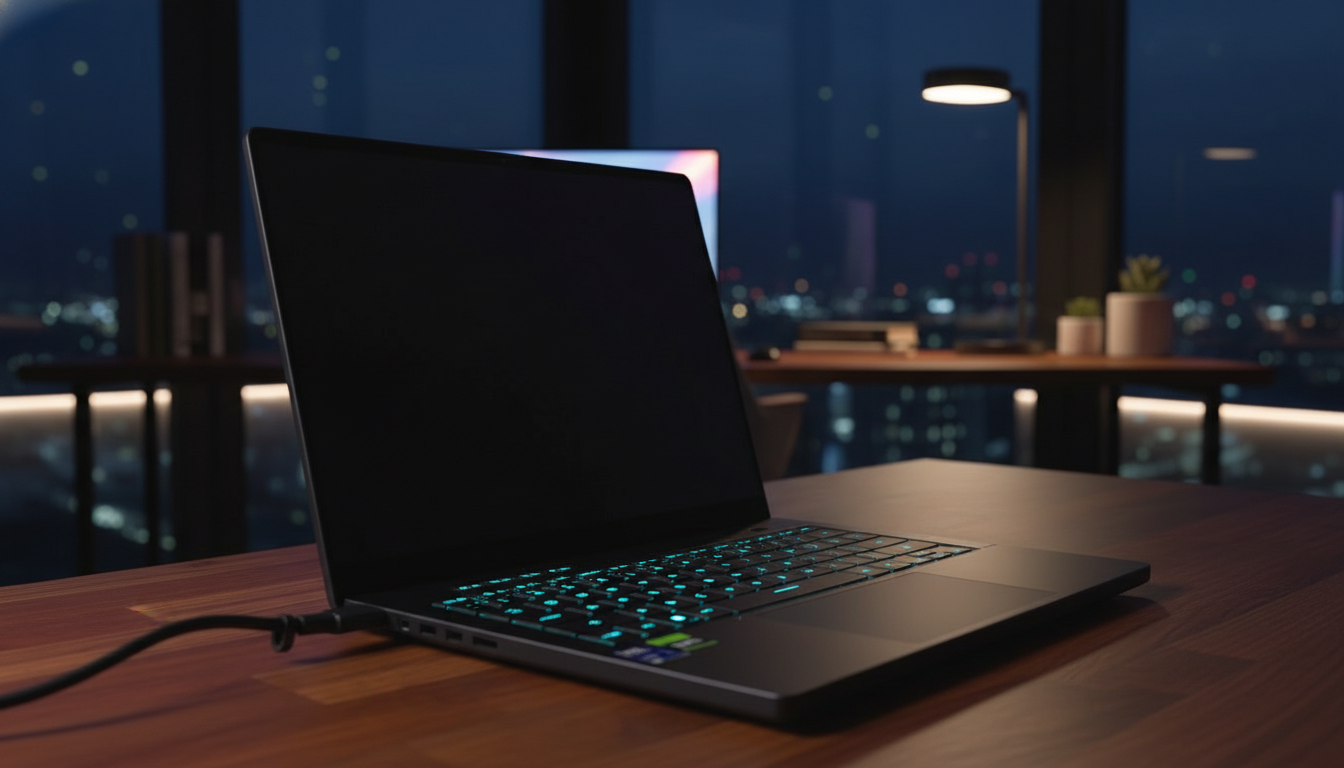
Why Regular Restarts Matter for Your Computer
According to Novyny.live: Over time, every computer accumulates background tasks, temporary files, and system errors that can gradually slow it down and reduce efficiency. Restarting the machine clears the RAM and gives the operating system a fresh start—boosting overall speed and responsiveness. For an English-speaking audience accustomed to heavy multitasking and demanding software, this simple habit can make a noticeable difference in daily performance.
Best Practices for Keeping Your System Healthy
To maintain stability and speed, experts recommend rebooting your computer 1 to 3 times each week. This routine not only restores normal system function but also lowers the risk of issues caused by accumulated junk data and software glitches. However, it's important to note that restarting is not a substitute for proper system maintenance—such as cleaning up storage, updating applications, or scanning for errors.
By following these straightforward tips, users can sustain a high level of computer performance, which in turn supports smoother workflows and better task execution. In short, regular reboots are a key part of computer upkeep that every user should incorporate into their daily routine.
This advice is especially relevant today, as computers play an ever-growing role in work and education.
Rebooting can be a simple yet powerful solution for improving performance, particularly when the system is under heavy load. Adopting this practice helps users avoid many common problems, including technical crashes and frustrating slowdowns.
Read also
- Speed Record Set by Bombardier Global 8000: Los Angeles to Farnborough in Just 8 Hours 46 Minutes
- A New Augmented Reality Platform Lets You Read and Build 3D Comics
- How Artificial Intelligence Is Unlocking Billions in Real Estate Value
- Ukraine’s Air Defense Gets a Boost: New 'Hot Dog' Drone Takes Down Over 300 Targets
- Windows That Generate Power Even at Night: A New Solar Innovation
- GE Aerospace’s Hybrid-Electric Aircraft Reaches 30,000 Feet in Key Test Flight