Ads Are Taking Over Ukrainian Smartphones: How to Permanently Block Them.

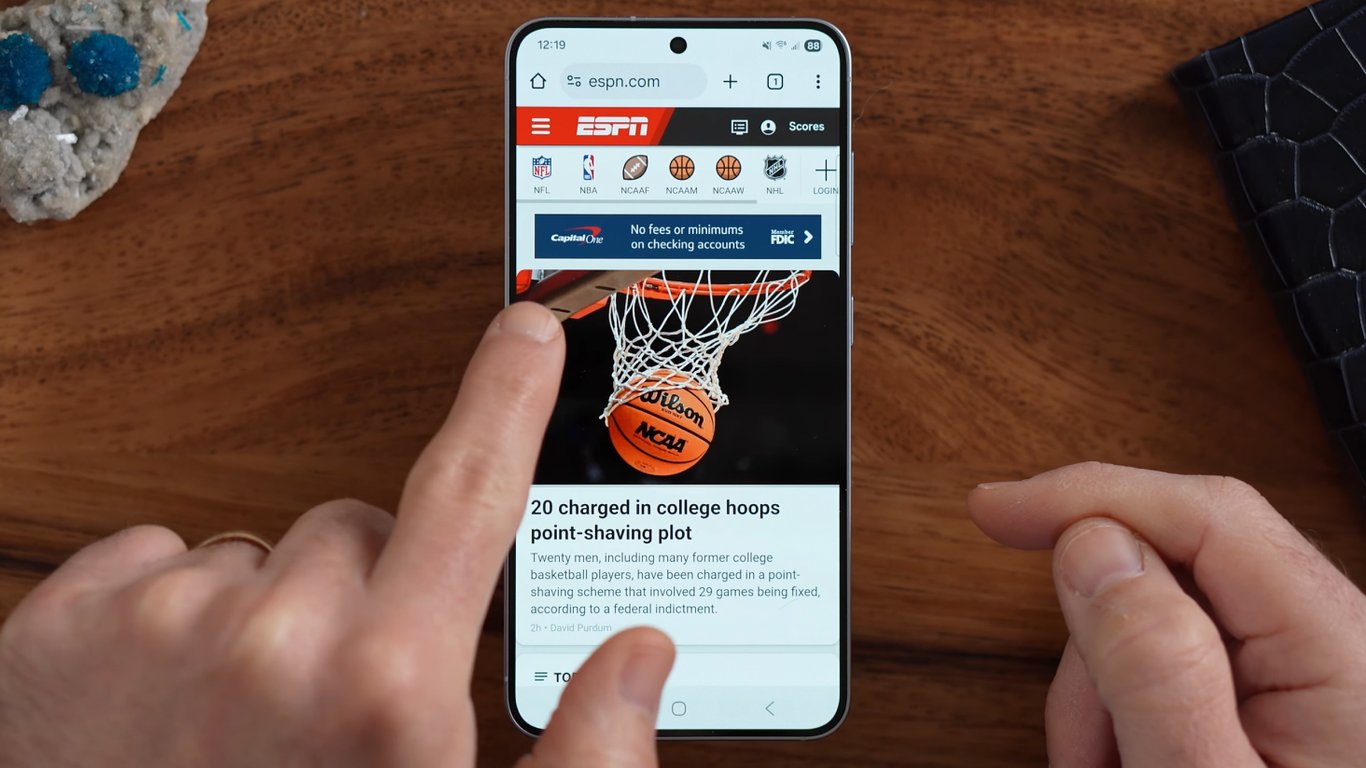
Smartphone Advertising Overload
According to Novyny.live: Smartphones have become the primary gateway to information, entertainment, and communication, but they have also turned into a major advertising platform. Ads can pop up in browsers, apps, notifications, and even system menus, creating a frustrating experience for users. This article explores the different ways ads appear on smartphones and provides practical steps to disable them on both Android and iOS devices.
How Ads Infiltrate Different Smartphones
On Android devices, advertising is often tied to the permissions granted to apps. Many applications can access user data, enabling them to serve targeted ads. Android users can rely on tools like AdGuard or NetGuard to block unwanted advertisements. iPhones, on the other hand, generally see fewer ads, but they can still arrive through push notifications, which many find equally annoying.
Xiaomi smartphones deserve special attention, as ads frequently appear in their built-in applications. This catches many users off guard, since they don't expect advertising in native system apps. Additionally, YouTube has introduced non-skippable VRC ads, adding another layer of frustration for viewers on the platform.
Dealing with Ads in Your Browser
Browser-based advertisements are another common headache. Many users actively seek ways to block them, especially when streaming content. It's important to note that ads come in various formats, and blocking them often requires installing browser extensions or tweaking settings.
Smart TVs also deserve consideration, particularly Samsung models running the Tizen operating system. During initial setup, these TVs may have data collection features enabled by default, which can influence ad delivery. Users should review their privacy settings to reduce the amount of advertising they encounter while using their devices.
In short, advertising on smartphones and smart TVs is widespread and can significantly disrupt the user experience. Understanding how to block ads and adjust privacy settings can help minimize intrusions and improve overall device enjoyment.
As mobile device usage continues to surge, smartphone advertising has become a key component of many companies' business strategies. The challenges posed by excessive ads can negatively impact user satisfaction, making it essential for device manufacturers and app developers to strike a balance between commercial goals and consumer comfort. Addressing these issues effectively can lead to a better user experience and stronger brand trust.
Read also
- Why High-Mileage Cars Burn Oil and the Dangers of Ignoring the Issue
- Weakest Points of the Popular 2.0 TDI EA288 Diesel Engine Revealed
- Two Simple Ways to Turn an Old Wi-Fi Router Into a Signal Booster
- Why London Is Pouring £5 Billion Into Drones—and What It’s Learning from Ukraine
- Is the Mercedes-Benz E-Class W213 Still Worth Buying Used? A Look at the Legendary German Sedan
- Why SUVs Have Rear Wipers but Sedans Don’t: The Aerodynamic Explanation