How Router Antenna Positioning Can Unlock Better Wi-Fi Performance.

Boosting Your Home Wi-Fi Signal
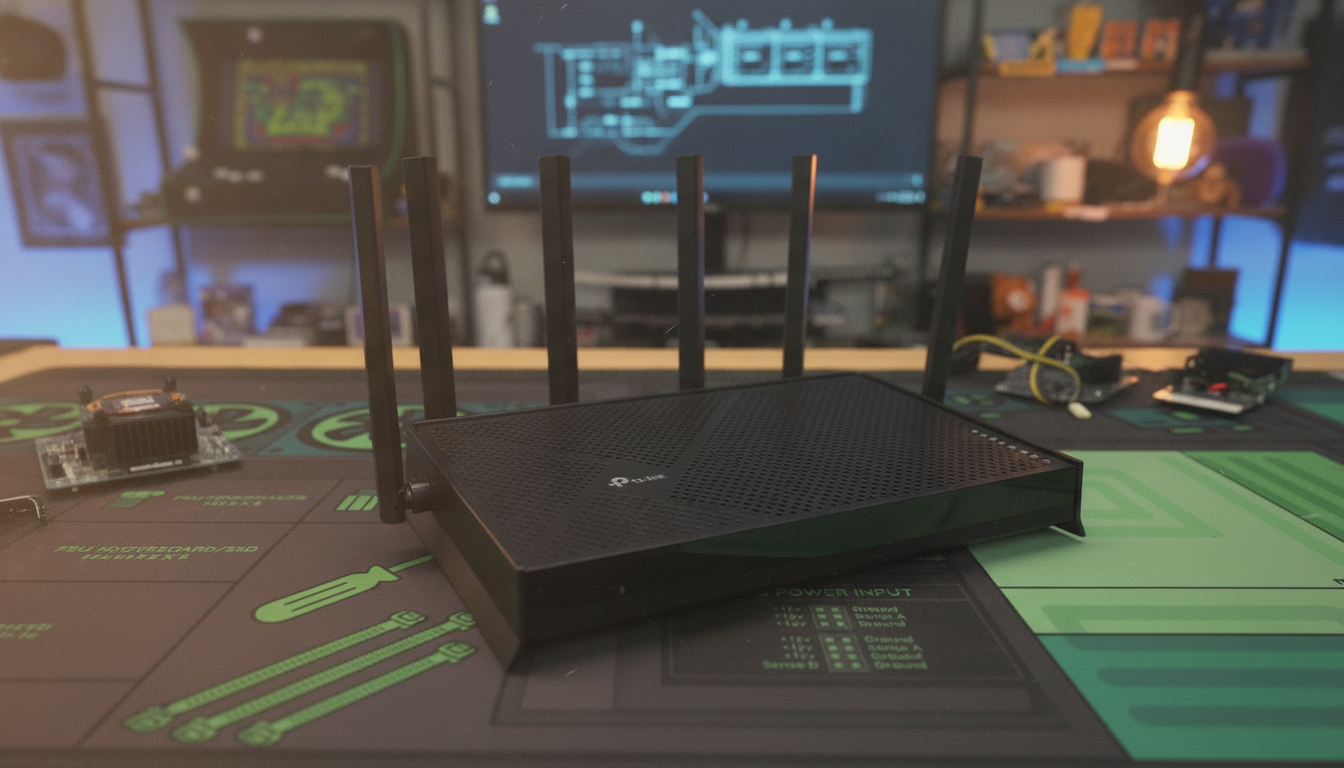
According to Novyny.live: Getting the most out of your home Wi-Fi often comes down to a simple adjustment: where you point the antennas. For apartments or single-story homes, TP-Link recommends keeping all antennas upright and vertical. This position delivers the strongest coverage and signal quality in compact spaces.
If you need to extend the signal across two floors, TP-Link suggests tilting the antennas to about 30 degrees. This angle helps broadcast the signal vertically, which is crucial for multi-story buildings. In large open areas where obstacles might interfere, setting the antennas at a 45-degree angle is advised. This can reduce dead zones and improve overall connection reliability.
It’s worth noting that a Wi-Fi signal reading around -33 dBm is considered excellent. Proper antenna alignment can help you reach this level, leading to a more stable and faster internet connection. Experimenting with antenna positions is a practical way to enhance your home network’s performance.
TP-Link’s Guidance for Better Connectivity
Wi-Fi optimization has become a key part of modern life, as reliable internet access is essential for work, study, and entertainment. TP-Link’s advice goes beyond just improving signal strength—it also aims to boost overall home network efficiency, especially useful when many people are working remotely or spending more time online. Understanding how to correctly position antennas empowers users to get the most out of their technology for a quality connection.
Read also
- Ukraine’s Defense Ministry Unveils New Robotic Combat System ‘Mini Strike Serpent’ – Key Details Inside
- Ukraine's Drone Forces Sink 183 Russian Shadow Fleet Vessels, Unleash New Missiles and Strike Crimea
- Ukrainian Firm SkyFall Unveils P1-SUN Jetkiller Interceptor Drone: Key Details Emerge
- World’s First 500 MW Impulse Hydropower Plant Under Construction in China: Trials Succeed
- Russia Launches Second Batch of 'Rassvet' Satellites — Can It Catch Up to Starlink?
- Japan Introduces Paid Cooling Booth for People—Here's What You Need to Know