A Hidden Android Trick: How the Recent Apps Screen Makes Life Easier.

Why Android's 'Recent Apps' Feature Offers More Than Meets the Eye
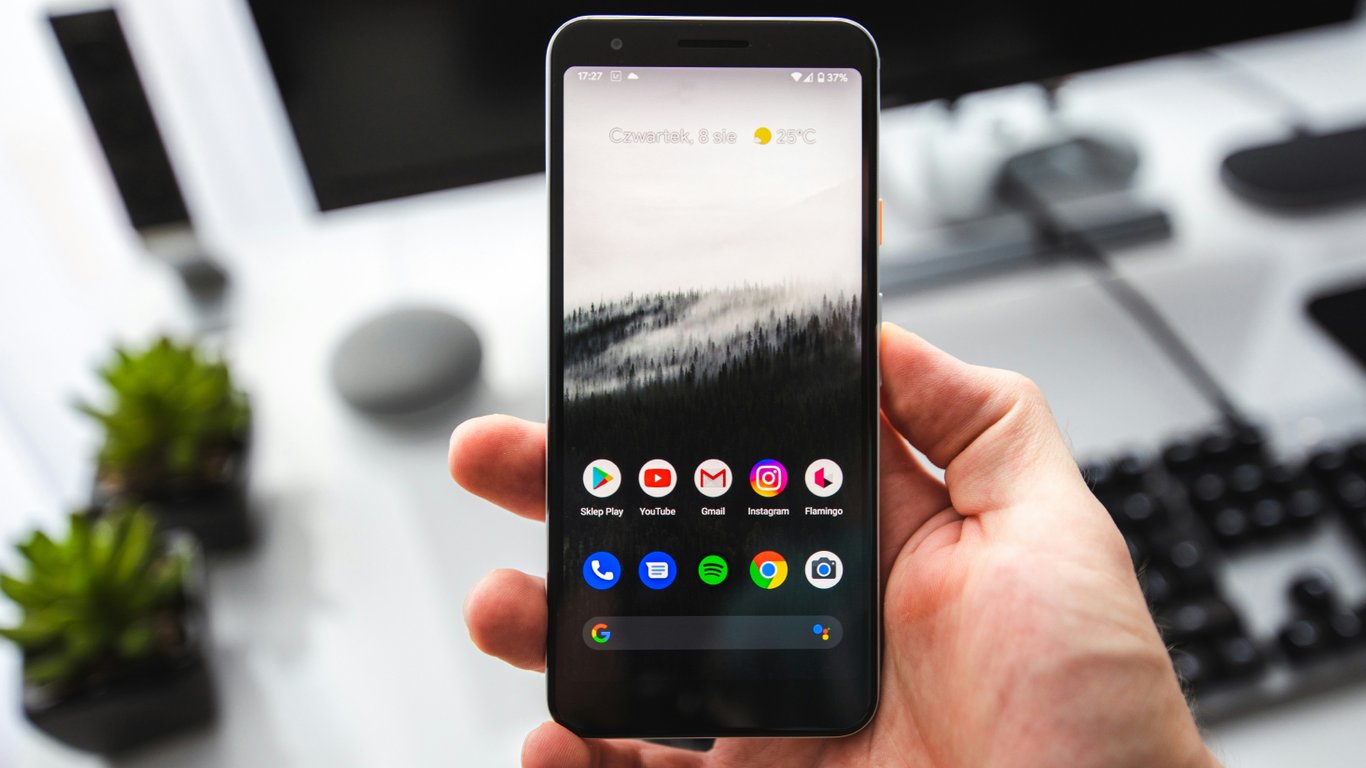
According to Novyny.live: The recent apps screen on Android devices lets users quickly perform various actions with open applications, streamlining their interaction with the phone. This feature provides a way to view all active apps, significantly boosting smartphone convenience.
Handy Tools on the Recent Apps Screen
Among the many functions available on the recent apps screen is the ability to take screenshots. Users can capture the screen by tapping the 'Screenshot' button, without needing to press physical keys. This makes it easy to save important information or images from the display.
Additionally, the screen allows users to select and copy text from an app's preview. This is especially useful for quickly gathering information from multiple sources. The menu also includes an option to pause notifications until the end of the day, helping users stay focused on key tasks without interruptions.
For those who frequently work with multiple apps at once, Android offers a split-screen mode. This feature lets users open two apps side by side, boosting productivity and convenience during multitasking.
It's also worth noting that a full storage can affect smartphone performance. This highlights the importance of managing memory usage to avoid device slowdowns.
Overall, Android's recent apps screen provides a range of useful features that simplify everyday smartphone use.
This functionality greatly improves access to essential tools and information, which can be particularly valuable in a fast-paced lifestyle. Advanced capabilities like screenshot capture and text selection make Android more user-friendly for those actively working with data. As technology continues to evolve, such features may become even more critical for enhancing mobile device efficiency.
Read also
- CATL unveils electric truck battery that charges in just 7 minutes
- Chinese Robot Claims Second Consecutive World Title in Humanoid Football Championship
- Samsung Launches Mass Production of PCIe 6.0 SSDs with Read Speeds Reaching 28.4 GB/s
- Smart Glasses Camera Disabled When Indicator Is Damaged: Meta’s New Privacy Update Explained
- NVIDIA Confirms Rigel Core for Rosa Processors: What to Expect from the Upcoming Lineup
- Intel’s 14A2 Process with Dual-Side Power Delivery: How It Could Reshape the Chip Market