iPhone Shows an Arrow in the Status Bar: What Does It Mean and How to Turn It Off.

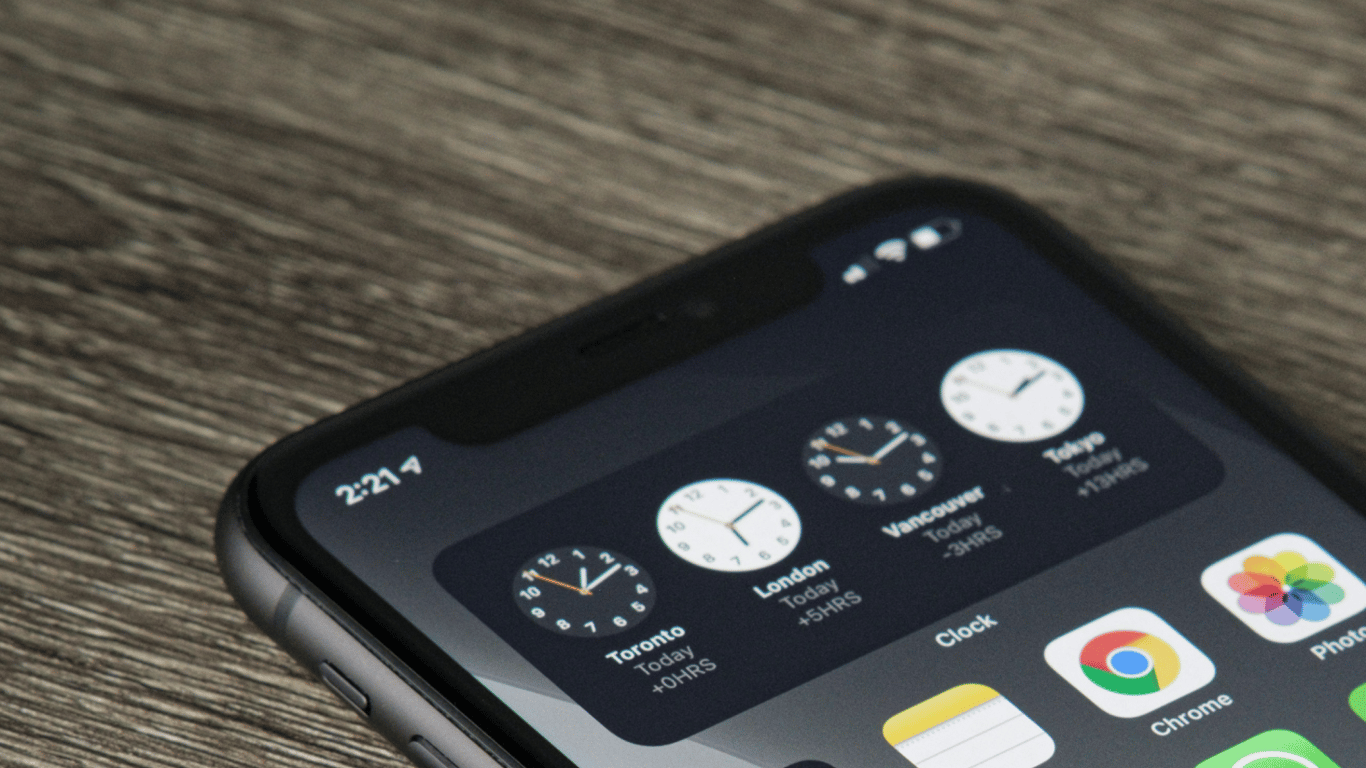
The location indicator on the iPhone is that small sign on your phone that shows that an app is using data about your location. If you see an arrow next to the clock, it means that the app is using geolocation data for its operation. If the icon is black or white, it also indicates that the app is using geolocation. However, if you see a blue arrow, it indicates the use of precise geolocation, which can determine your location within a few meters.
How to Turn Off the Location Indicator
If you do not wish to see this sign on your iPhone's screen, you can turn it off. To do this, simply go to the 'System Services' settings and disable the 'Status Bar Icon' option. This way, you can maintain privacy while still allowing apps to access geolocation data according to your settings.
In addition, Apple has released a public beta version of iOS 26 with new features that improve user communication quality, including 'Call Screening' and 'Voice Isolation.'
The article explains how the location indicator works on the iPhone and how to turn off this feature. It also provides information about updates in the public beta version of iOS 26, which offers new useful features for Apple users.
Read also
- Antique Musket Balls Repurposed Into Solar Cells with 94% Efficiency
- South Korea Patents a Silent Engine for Air Taxis
- 144 FPS at 4K: A Gamer Pairs an RTX 3090 and RTX 3050 for Stunning Performance
- Snapdragon 8 Elite Gen 5: Qualcomm’s New Chip Targets Sub-$600 Smartphones
- Samsung Unveils Three New Odyssey Gaming Monitors: Specs and Features Revealed
- Plastic Waste Converted into Jet Fuel: New Breakthrough by Chinese Researchers












