What Creates Obstacles for Wi-Fi – Present in Every Home.

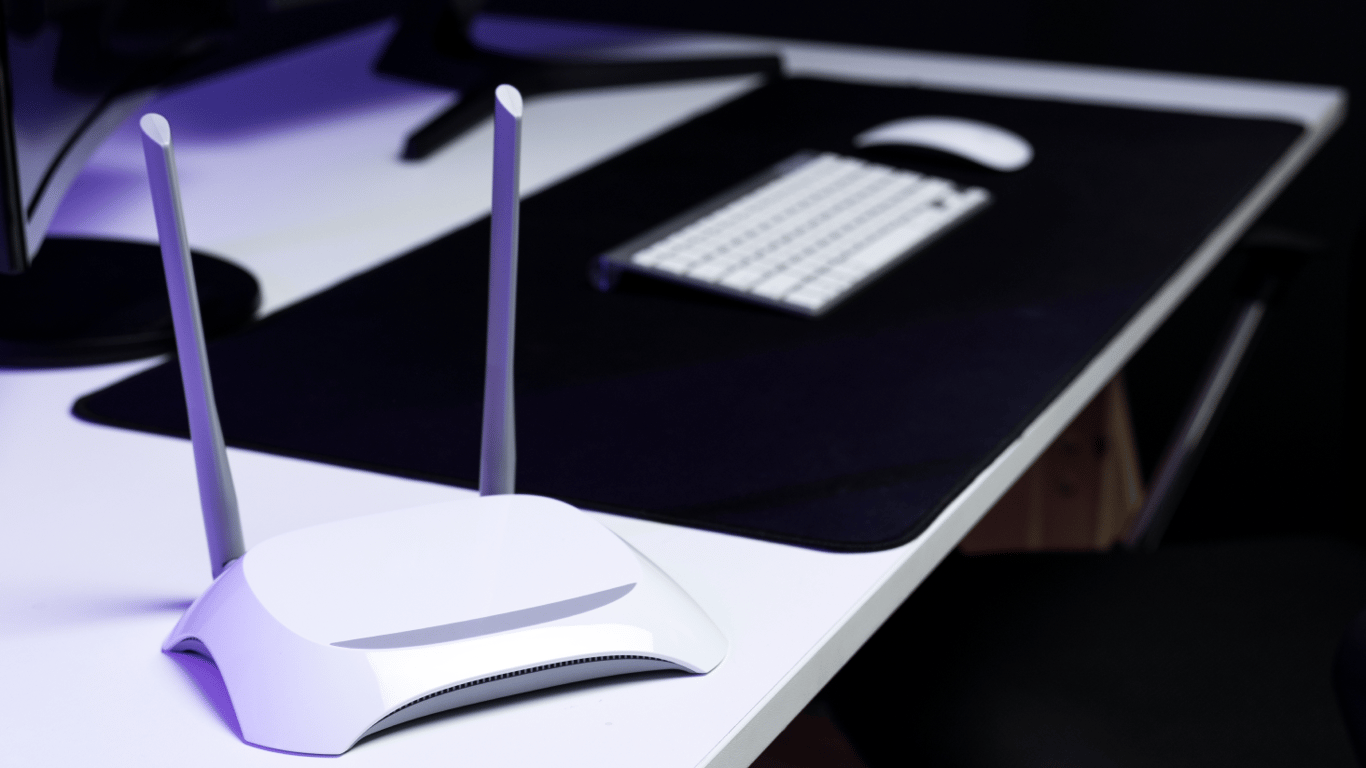
Slow internet often occurs due to small details in the interior. A regular mirror can block the Wi-Fi signal, creating 'dead zones' and reducing the network speed.
The problem is described on the Pixelinform website. A mirror consists of glass with a thin metal layer on the back that reflects radio waves, making their passage difficult. This is particularly noticeable in the 2.4 GHz range, which is sensitive to interference.
Why a Mirror Blocks Wi-Fi
Besides mirrors, large metal objects, reinforced concrete walls, or even aquariums can cause issues. To check, you can temporarily move the router or cover the mirror with fabric. If the speed increases, the cause is identified.
- It is important to position the router to avoid direct contact with mirrors. Often, it is sufficient to shift the device a certain distance or raise it higher.
- Not only mirrors can affect Wi-Fi signal quality. For example, an inappropriate antenna size of the router can also lead to signal reduction.
Mirrors can create 'dead zones' for the Wi-Fi signal by reflecting radio waves, leading to a drop in network speed. To avoid this problem, it is important to position the router in such a way that there are no direct obstacles like mirrors, large metal objects, or other materials that reflect the signal. Attention should also be paid to the size of the router antennas, as their inappropriate size can also affect Wi-Fi connection quality.
Read also
- Antique Musket Balls Repurposed Into Solar Cells with 94% Efficiency
- South Korea Patents a Silent Engine for Air Taxis
- 144 FPS at 4K: A Gamer Pairs an RTX 3090 and RTX 3050 for Stunning Performance
- Snapdragon 8 Elite Gen 5: Qualcomm’s New Chip Targets Sub-$600 Smartphones
- Samsung Unveils Three New Odyssey Gaming Monitors: Specs and Features Revealed
- Plastic Waste Converted into Jet Fuel: New Breakthrough by Chinese Researchers












