iPad Drains Fast: 6 Ways to Preserve Battery Life Without Sacrificing Comfort.

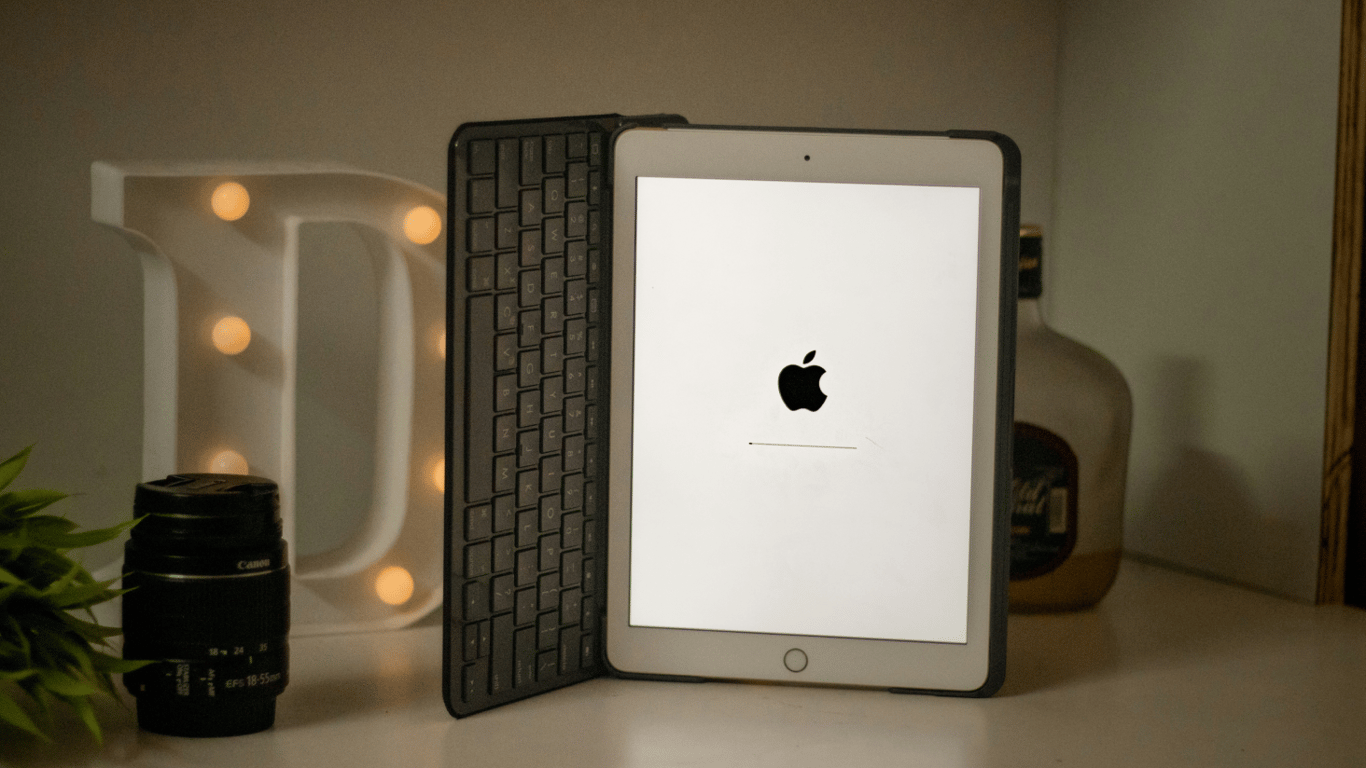
The resilience to rebooting gadgets is an important aspect of modern life. We explain how to prolong the operation of your iPad without unnecessary burdens. According to SlashGear, our tips will help you save energy without sacrificing the convenience of using your favorite tablet.
Tips for Extended iPad Usage Without Sacrifices
The iPad typically lasts about 10 hours on screen, but many models lose up to 10% of battery charge per day in standby mode. There are tips that can help extend autonomy without radical sacrifices in convenience.
This is reported by SlashGear.
Enable 'Airplane Mode' and 'Low Power Mode' When Not Using Your Tablet
If you use your iPad for a few hours a day and the rest of the time it's idle, it's worth turning off the wireless modules. 'Airplane Mode' from the 'Control Center' disables Wi-Fi, cellular, and Bluetooth with one touch. 'Low Power Mode' reduces refresh rate and brightness and limits background processes, including push notifications. If you don't plan to use your iPad for a week or more, turn it off.
Limit Background App Refresh
Most apps are allowed to run in the background by default—sending notifications, updating content, etc. Apple has long emphasized that force-quitting apps does not save battery; the same applies to iPads. Go to 'Settings' — 'General' — 'Background App Refresh' and turn off everything that doesn't require constant updates.
Use Dark Mode on OLED-iPad
The iPad Pro M4 was the first to feature an OLED screen: individual pixels turn off completely, so the black color does not consume energy. In dark mode, some applications have been shown to significantly reduce consumption—by up to two-thirds. This works on OLED; there are no benefits on LCD models. Most apps support dark mode, and the 'black' theme (with deep black) provides the greatest effect. In 'Settings' — 'Display & Brightness' you can enable 'Automatically' or set your own schedule for light/dark mode switching.
The tips mentioned will help you use your iPad's charge more effectively, without limiting the capabilities of the gadget. By following these recommendations, you can enjoy your tablet's performance for an extended period without unnecessary breaks for charging.
Read also
- Antique Musket Balls Repurposed Into Solar Cells with 94% Efficiency
- South Korea Patents a Silent Engine for Air Taxis
- 144 FPS at 4K: A Gamer Pairs an RTX 3090 and RTX 3050 for Stunning Performance
- Snapdragon 8 Elite Gen 5: Qualcomm’s New Chip Targets Sub-$600 Smartphones
- Samsung Unveils Three New Odyssey Gaming Monitors: Specs and Features Revealed
- Plastic Waste Converted into Jet Fuel: New Breakthrough by Chinese Researchers












