Unlocking Your Monitor's USB Ports: A Guide to Hubs, Hard Drives, and Lighting.

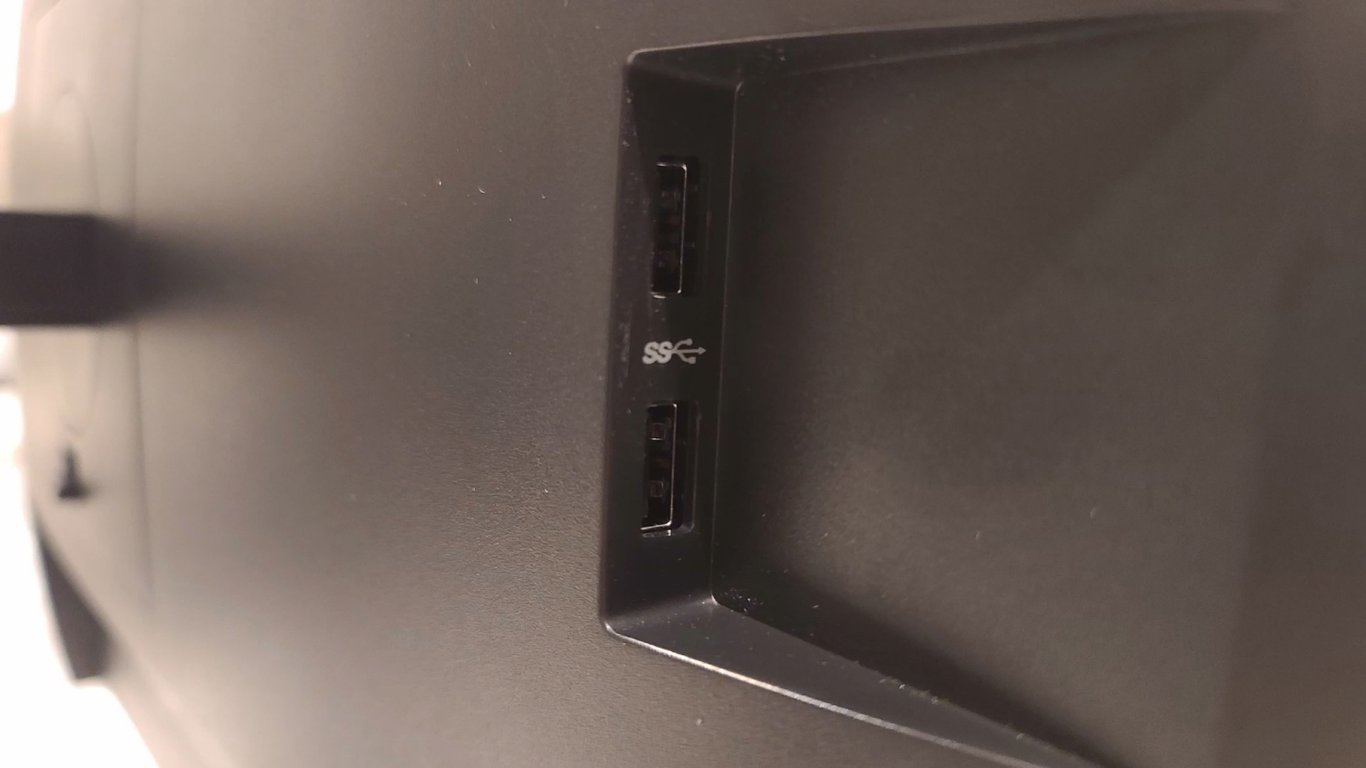
Monitor USB Ports: Expanding Your Workspace
According to Novyny.live: The inclusion of USB ports on modern monitors transforms them into a central hub for your peripherals, adding significant utility to any desk setup. This article explores practical uses for these ports, including connecting a hub, an external hard drive, and bias lighting.
Key Devices to Enhance Your Setup
-
Using a USB hub is an excellent way to multiply your available connections. For instance, a 4-port USB hub from Acer offers data transfer speeds up to 5 Gbit/s. This allows you to connect multiple USB devices simultaneously while maintaining high-speed data transfer, reducing cable clutter at your workstation.
-
An external hard drive is another crucial addition for expanded storage. The 2 TB Seagate Portable external hard drive provides ample space for your files and boasts a claimed read speed of up to 130 MB/s. This makes it an ideal solution for users who need substantial, fast-access storage for their data.
-
Finally, bias lighting can dramatically improve your workspace ambiance. The ABCidy RGB lighting strip offers over 350 dynamic colors or 15 static modes. This feature allows you to create a personalized atmosphere that can enhance comfort and potentially reduce eye strain during long sessions.
In summary, the integration of USB ports into monitors greatly enhances the functionality of a modern desk. This setup promotes both convenience and productivity by enabling the simultaneous use of multiple peripherals without constant cable swapping. As a common feature on many business and gaming monitors, these built-in ports are a simple way to streamline your workspace. Continued innovation in this area is likely to further refine and improve our daily work processes.
Read also
- South Korea Patents a Silent Engine for Air Taxis
- 144 FPS at 4K: A Gamer Pairs an RTX 3090 and RTX 3050 for Stunning Performance
- Snapdragon 8 Elite Gen 5: Qualcomm’s New Chip Targets Sub-$600 Smartphones
- Samsung Unveils Three New Odyssey Gaming Monitors: Specs and Features Revealed
- Plastic Waste Converted into Jet Fuel: New Breakthrough by Chinese Researchers
- First-Ever U.S. Manufacturing of Ukrainian MAGURA Drones: Key Details Emerge