5 laptop charging habits that ruin the battery in a year: how to avoid it.

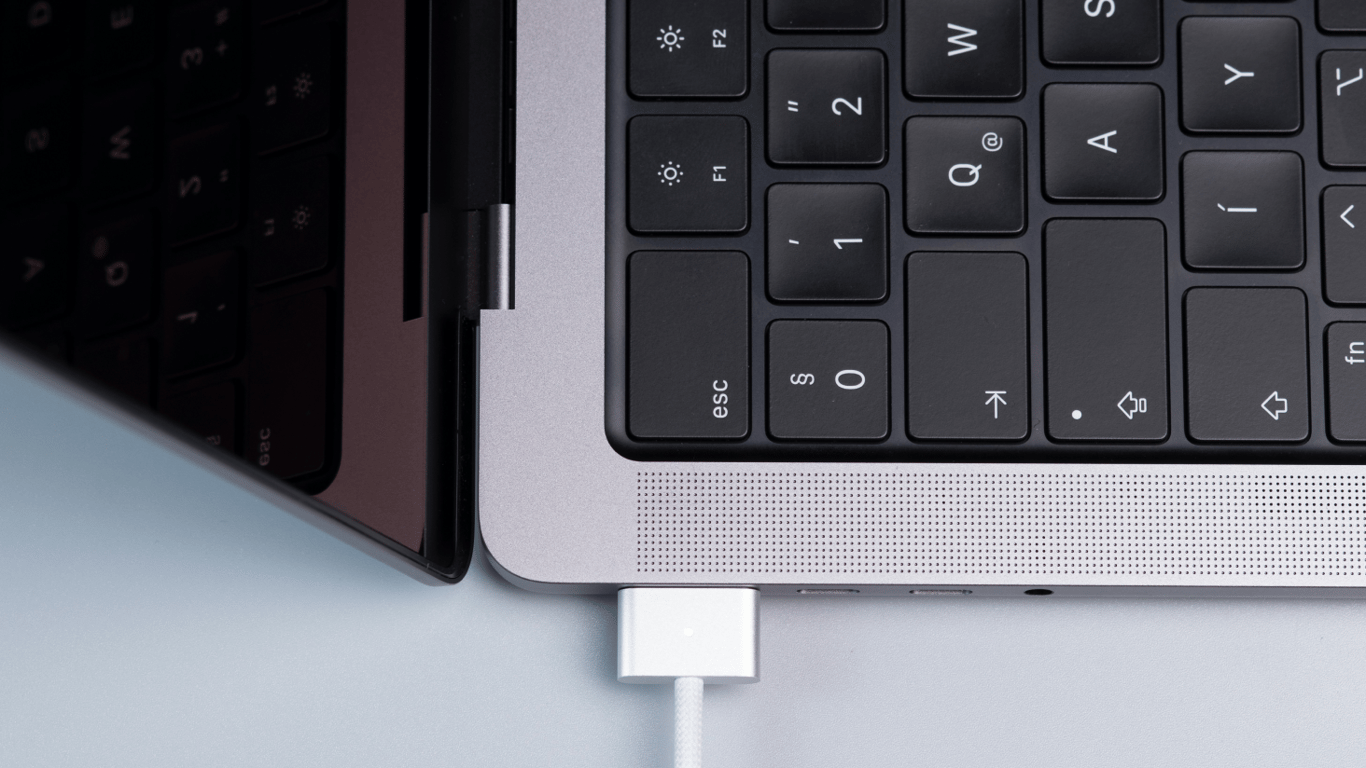
Mobility makes laptops indispensable, but it suffers first if you don't take care of the battery. Five common but little-known charging habits can 'kill' the battery in just a year.
This is stated by NV.
Why common charging methods shorten battery life
Laptops, like smartphones, are equipped with lithium-ion batteries with a lifespan of 500-1000 full cycles. Repeated discharges and charges gradually reduce capacity — the device holds a charge for an hour instead of several and eventually needs a new battery. It's easy to check the number of cycles: in Windows — Win+R — powercfg /batteryreport, in macOS — 'System Information' — 'Power'.
Complete discharge to zero
The myth of mandatory 'zero' discharge harms modern batteries: low voltage increases chemical stress. The optimal range is 20-80% charge, which both Windows and macOS support through limiting to 80-90%.
Constantly keeping at 100%
Operating on AC power after a full charge keeps the cells under high voltage, accelerating degradation. If removing the battery is impossible, it's advisable to activate the charge limit feature.
Overheating during charging
High temperatures accelerate wear. Soft surfaces block ventilation, and fast chargers in the heat further raise temperatures. Always ensure your laptop has free airflow access.
Storing at the wrong charge level
For weeks or months, leave the device with approximately 50% charge. Full or zero levels cause excessive stress and capacity loss.
Ignoring usage mode
Intensive gaming or 'heavy' applications reduce battery life. If the laptop has essentially become a 'desktop' and is no longer unplugged, a new battery will restore mobility.
It's worth reminding that a laptop provides mobility, but this comes at the cost of a bulky charger. Unlike compact phone power blocks, most laptop chargers still have a massive 'block' in the middle of the wire — and there is a technical explanation for this.
We also wrote that many laptop owners habitually close the lid immediately after turning it off — without realizing that this shortens the life of their device. Experts explained why closing too quickly can cause overheating and expensive repairs.
Read also
- Antique Musket Balls Repurposed Into Solar Cells with 94% Efficiency
- South Korea Patents a Silent Engine for Air Taxis
- 144 FPS at 4K: A Gamer Pairs an RTX 3090 and RTX 3050 for Stunning Performance
- Snapdragon 8 Elite Gen 5: Qualcomm’s New Chip Targets Sub-$600 Smartphones
- Samsung Unveils Three New Odyssey Gaming Monitors: Specs and Features Revealed
- Plastic Waste Converted into Jet Fuel: New Breakthrough by Chinese Researchers












