Is Your Wi-Fi Sluggish? Router Settings and Channel Choice Could Be the Culprit.

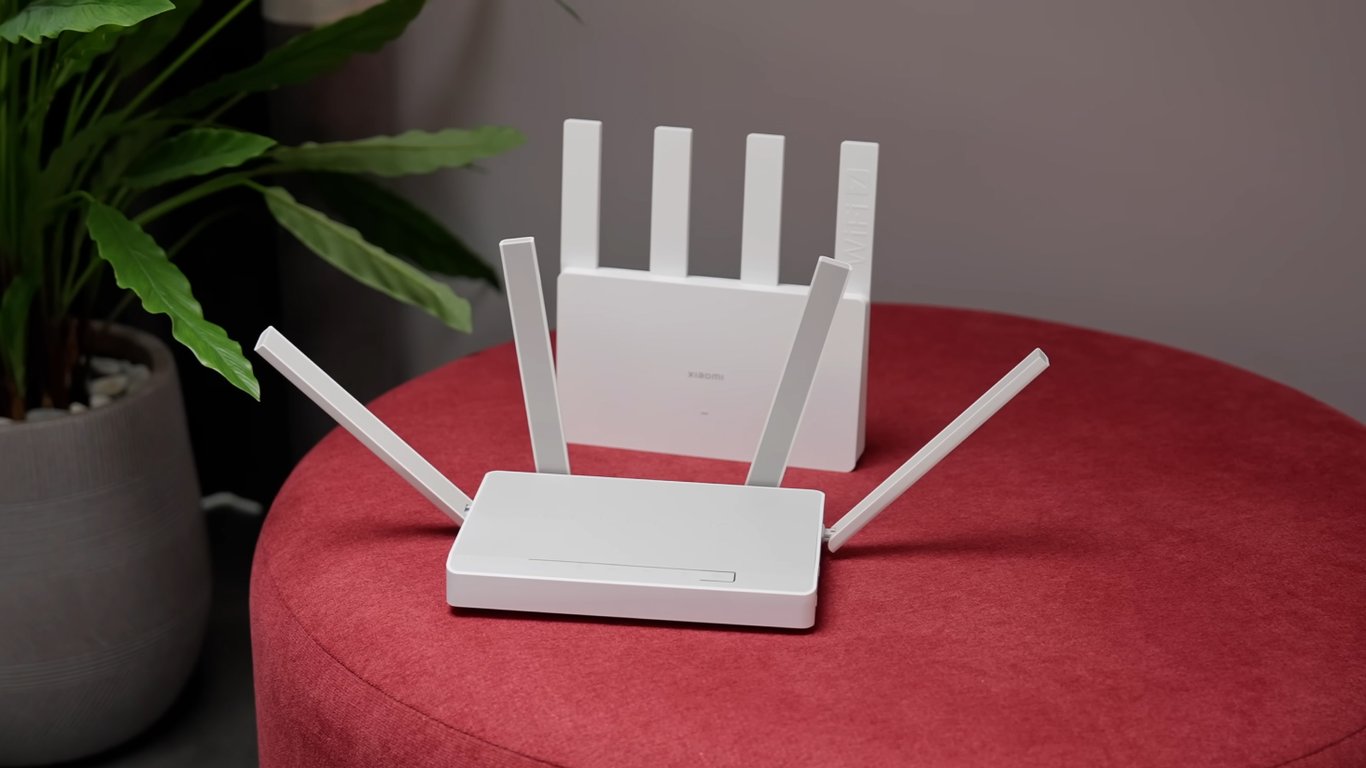
The Critical Role of Wi-Fi Configuration
According to Novyny.live: A stable home Wi-Fi network depends on several key factors, with router settings, channel and band selection, and firmware updates being paramount. Incorrect configurations are a common, yet often overlooked, reason for frustratingly slow internet speeds that can hinder everything from streaming to video calls.
Selecting the Right Frequency Band and Channel
Choosing the correct frequency band is a fundamental step. The 2.4 GHz band has only three non-overlapping channels: 1, 6, and 11. Sticking to these channels can significantly improve connection quality, as other channels are often congested with interference from neighboring networks, which throttles speed. In contrast, the 5 GHz band offers up to 25 non-overlapping channels, providing more options for a clear signal and potentially much faster speeds. However, the 5 GHz band has a shorter range than 2.4 GHz, which can be a limitation in larger homes.
Beyond channel selection, accessing your router's admin panel is crucial for optimization. Common gateway addresses are 192.168.1.1 or 192.168.0.1. Settings within this panel have a direct impact on performance. For instance, the Quality of Service (QoS) feature can inadvertently cap your speed if it was configured for a slower internet plan, meaning you won't get the full benefit of a faster service you're paying for.
When comparing the two bands, the 2.4 GHz frequency is better at penetrating walls and other obstacles, making it more suitable for coverage over distance. However, it generally offers lower maximum speeds compared to 5 GHz. The choice between them ultimately depends on your specific needs, balancing coverage area against the demand for high-speed connectivity.
The conclusion is clear: achieving a stable and fast Wi-Fi network requires careful attention to router settings, strategic channel selection, and regular firmware updates. This proactive approach can prevent many common issues associated with unreliable connections.
In an era where fast internet is essential for work, education, and entertainment, properly configuring your home Wi-Fi is more important than ever. Suboptimal settings don't just slow you down; they create daily frustrations and inefficiencies. Taking the time to understand these basic router principles is a key step toward ensuring a smooth and responsive online experience.
Read also
- Antique Musket Balls Repurposed Into Solar Cells with 94% Efficiency
- South Korea Patents a Silent Engine for Air Taxis
- 144 FPS at 4K: A Gamer Pairs an RTX 3090 and RTX 3050 for Stunning Performance
- Snapdragon 8 Elite Gen 5: Qualcomm’s New Chip Targets Sub-$600 Smartphones
- Samsung Unveils Three New Odyssey Gaming Monitors: Specs and Features Revealed
- Plastic Waste Converted into Jet Fuel: New Breakthrough by Chinese Researchers












