Where to Put Your Router for the Best Wi-Fi Signal, According to Experts.

Boosting Your Home Wi-Fi Performance
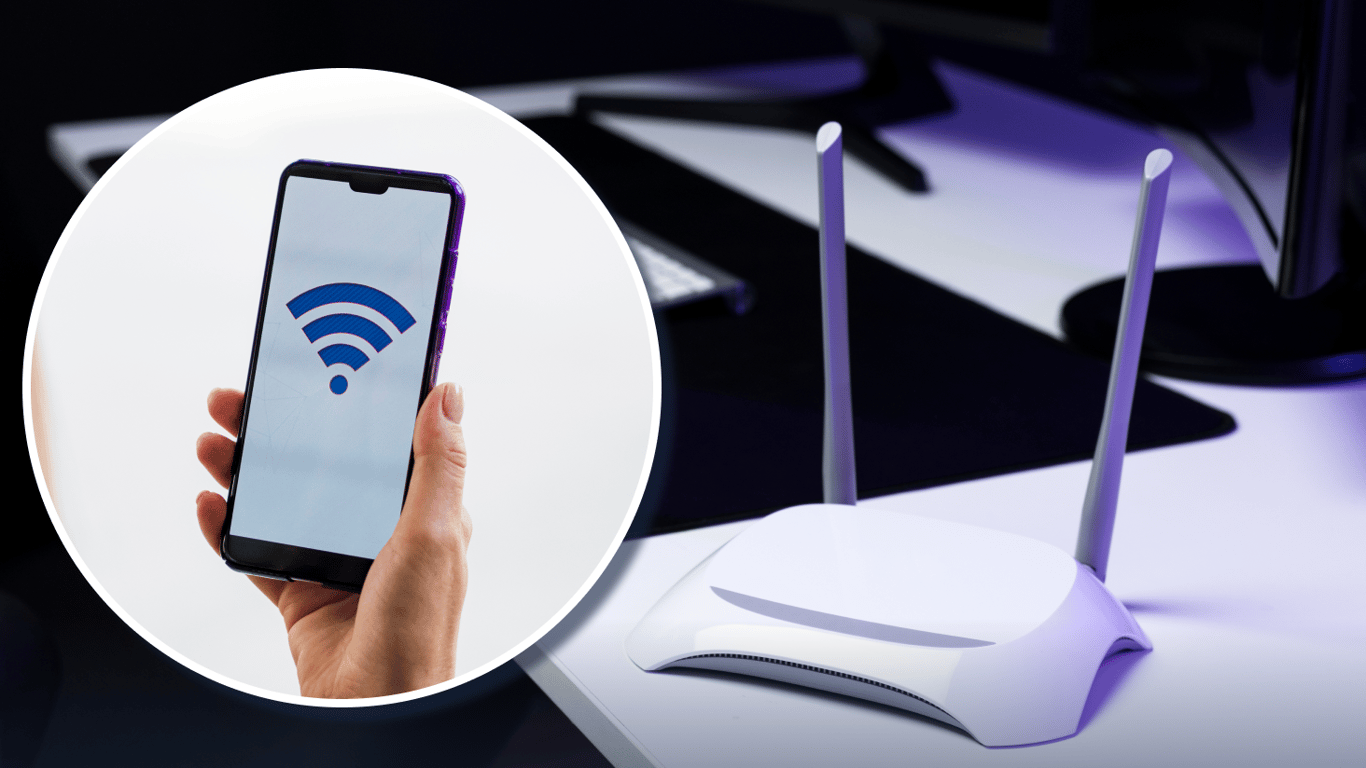
According to Novyny.live: Getting a fast and stable internet connection at home often comes down to how you set up your router. Experts highlight that proper placement, channel selection, and antenna orientation are key to improving signal quality throughout your apartment.
Key Factors for a Stronger Signal
Start by positioning your router as close to the center of your home as possible. This helps the signal spread evenly across every room. Mounting the device at a height of about 1.5 to 2 meters (roughly 5 to 6.5 feet) can also reduce interference and strengthen the connection.
Antenna polarization matters too. Adjusting their direction can improve coverage. If your router supports multiple frequency bands, choose wisely: the 2.4 GHz band performs best on channels 1, 6, or 11, offering solid range. Meanwhile, the 5 GHz band delivers faster speeds but has weaker coverage over longer distances. Your choice should depend on your specific needs.
Channel settings also play a major role. You can access your router’s control panel using local IP addresses like 192.168.0.1 or 192.168.1.1. From there, you can switch to less congested channels and fine-tune the connection for better performance.
Improving Wi-Fi signal quality in apartments has become increasingly important as more devices rely on internet access.
Source: Technology Experts
In short, the right router placement, channel configuration, and antenna setup are essential for achieving strong Wi-Fi in your apartment. Following these tips can significantly enhance your internet experience.
Putting these suggestions into practice won’t just make browsing more comfortable—it can also help prevent frustrating technical issues during important online activities.
Read also
- Weakest Points of the Popular 2.0 TDI EA288 Diesel Engine Revealed
- Two Simple Ways to Turn an Old Wi-Fi Router Into a Signal Booster
- Why London Is Pouring £5 Billion Into Drones—and What It’s Learning from Ukraine
- Is the Mercedes-Benz E-Class W213 Still Worth Buying Used? A Look at the Legendary German Sedan
- Why SUVs Have Rear Wipers but Sedans Don’t: The Aerodynamic Explanation
- Stadler Nears Completion of FLIRT Intercity Production: Testing Set to Begin in 2026