Battery-Draining Android Settings You Should Disable Right Now.

How Your Settings Impact Battery Longevity
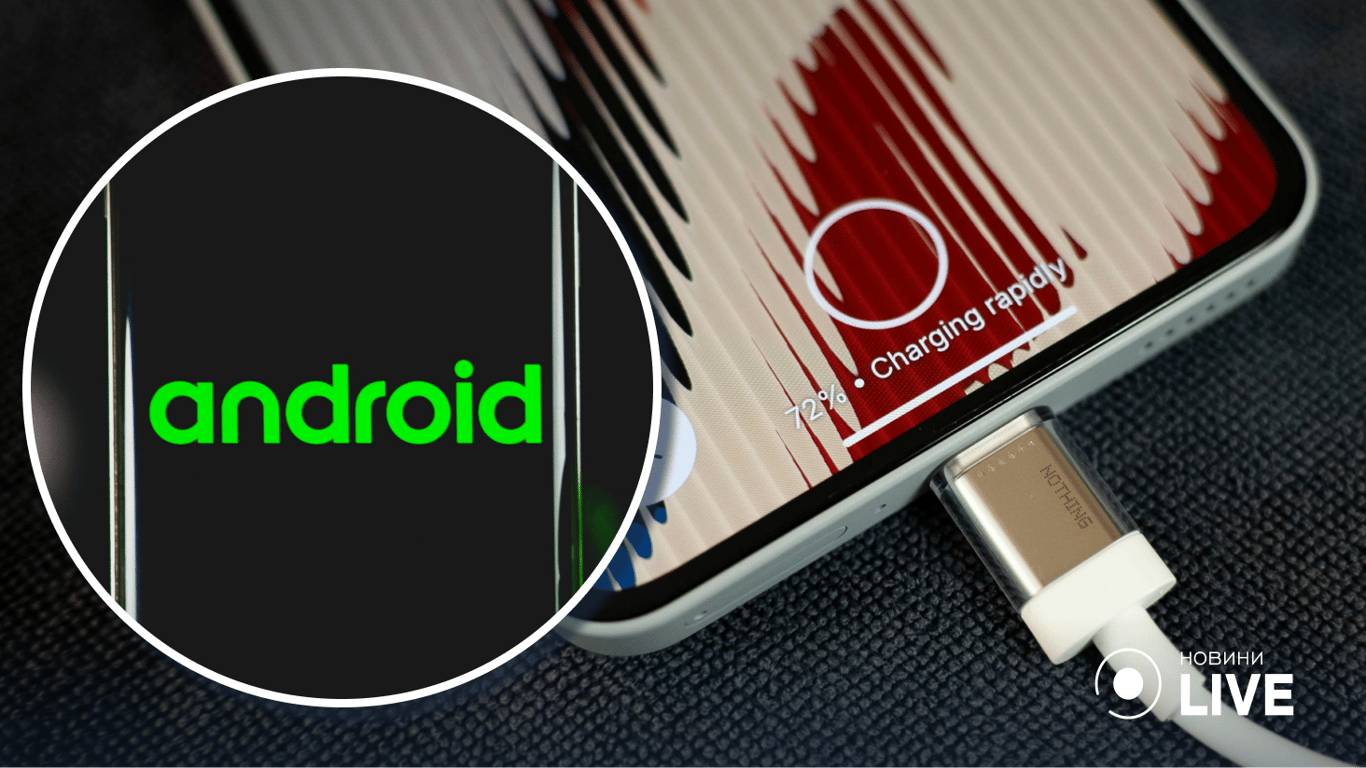
According to Novyny.live: Certain settings on Android smartphones can significantly shorten battery life by activating power-hungry features. To optimize energy consumption, it's crucial to identify and manage the functions that have the most negative impact on your battery's endurance.
First, the Always-on display feature prevents the screen from fully powering down, leading to constant energy drain. Similarly, setting your screen refresh rate to 120 Hz or 144 Hz, while improving visual smoothness, places a much heavier load on the battery.
- Granting apps permission to access your precise location 'always' can cause more frequent use of GPS, Wi-Fi, and Bluetooth, which also drains power.
- Gestures like 'tap to wake' require the phone's sensors to remain constantly active, consuming additional charge.
- Even when Bluetooth is switched off, it may continue scanning for nearby devices, resulting in unnecessary power consumption.
To improve battery life, it is recommended to activate a limit on background processes, which restricts the number of apps that can run actively when not in use.
Finally, improper charging habits, especially those that cause the device to overheat, can degrade the battery's overall capacity over time. Considering all these factors is key to maximizing the efficiency of your Android device's battery.
Optimizing Your Battery Usage
In today's world, where smartphones are essential for daily life, understanding and optimizing battery settings can greatly enhance user convenience. For many users, battery longevity is a primary concern, making knowledge about how settings affect power consumption increasingly relevant. This is especially important for those who rely heavily on their phones for work or entertainment, as preserving charge can ensure uninterrupted use throughout the day. Managing these settings is a practical first step toward extending your phone's uptime between charges.
Read also
- Google to Build America's Largest Solar Farm: 2.5 GW Facility to Power Data Centers
- Turn Your Old Phone Into a Smart Display: Inside the New ScreenWall Web Platform
- Speed Record Set by Bombardier Global 8000: Los Angeles to Farnborough in Just 8 Hours 46 Minutes
- A New Augmented Reality Platform Lets You Read and Build 3D Comics
- How Artificial Intelligence Is Unlocking Billions in Real Estate Value
- Ukraine’s Air Defense Gets a Boost: New 'Hot Dog' Drone Takes Down Over 300 Targets