Bloated Android Phones: How to Spot and Disable Unnecessary Apps That Slow You Down.

The Bloatware Problem on Android Devices
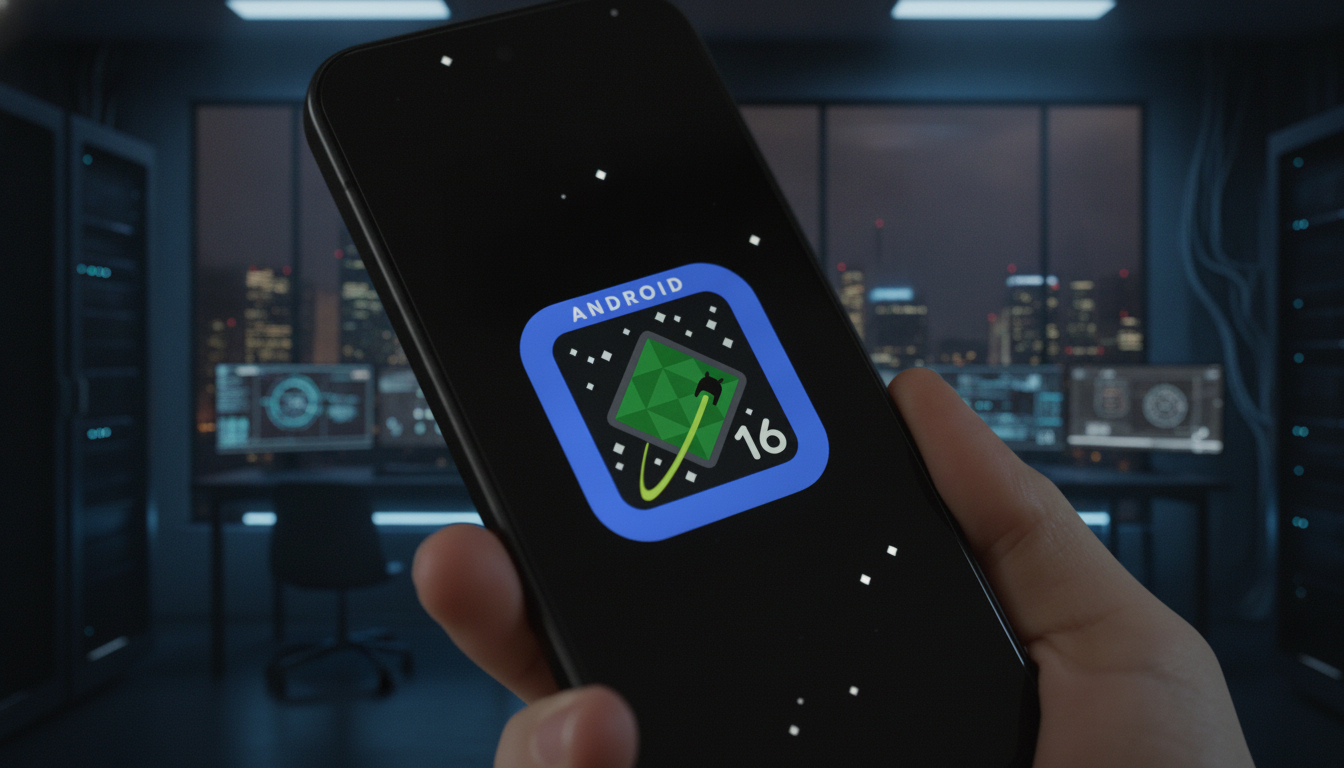
According to Novyny.live: Bloatware refers to the unnecessary software that comes pre-installed on a smartphone when you first turn it on. These apps take up valuable storage space and can significantly drag down overall device performance. Often, users never asked for these programs, yet they remain on the phone, consuming resources without offering real value.
Many bloatware apps are set to launch automatically when the device boots up or continue running silently in the background. This can lead to noticeable slowdowns, especially when multitasking or using demanding applications. Additionally, these hidden processes drain battery life even when you are not actively using them, making your phone feel sluggish and less reliable throughout the day.
Managing Bloatware Effectively
Removing unwanted apps becomes a practical step when your smartphone is running low on storage, feeling laggy, or experiencing faster-than-usual battery drain. However, it is important to know that not every pre-installed program can be fully deleted. In many cases, you can only disable them—but this alone can still give your device a noticeable speed boost and improve battery longevity.
Bloatware remains a pressing issue for Android users, as modern phones often ship loaded with a large number of pre-installed apps that many people simply do not need. This can lead to real problems with performance, storage, and battery life. Understanding how bloatware affects your phone—and knowing when to remove or disable these extra applications—helps you optimize your device and get the most out of it. Tech companies, too, could improve the user experience by reducing the amount of bloatware they include on their devices.
Read also
- New York Breaks Ground on 373-Meter Skyscraper: The Second World Trade Center
- NVIDIA Unveils DLSS 5: Three AI Models for Gaming, Launching This Fall
- Ukraine’s Defense Ministry Unveils New Robotic Combat System ‘Mini Strike Serpent’ – Key Details Inside
- Ukraine's Drone Forces Sink 183 Russian Shadow Fleet Vessels, Unleash New Missiles and Strike Crimea
- Ukrainian Firm SkyFall Unveils P1-SUN Jetkiller Interceptor Drone: Key Details Emerge
- World’s First 500 MW Impulse Hydropower Plant Under Construction in China: Trials Succeed