Why You Should Avoid Connecting Your Smartphone to a TV via Bluetooth.

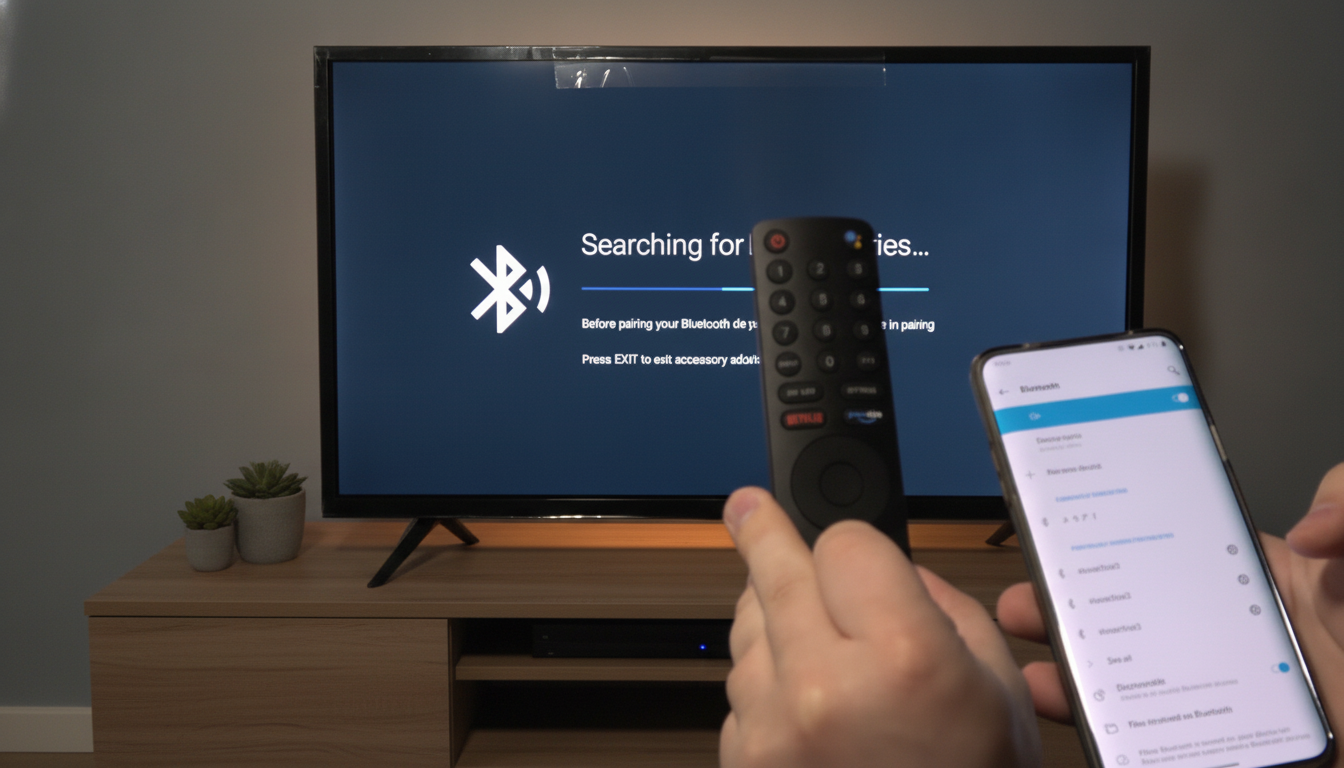
Smartphones and Their Connection Options with TVs
According to Novyny.live: Smartphones have become essential in daily life, so the idea of linking them to a television through Bluetooth naturally sparks curiosity. However, it’s crucial to understand that Bluetooth on a TV is not designed for broadcasting screen content. While this technology works well for audio transmission, it comes with significant limitations in other areas.
Bluetooth vs. Wi-Fi for Streaming
Bluetooth is suitable for sending audio, listening to music or podcasts, and pairing accessories. Yet, if your goal is to mirror your smartphone’s display onto the TV, Wi-Fi is the required solution. This means both your phone and television must be connected to the same Wi-Fi network for successful screen mirroring. On Android devices, this feature goes by various names:
- Cast
- Smart View
- Screen Mirroring
- Wireless Projection
To learn how to connect a smartphone to a TV, you should explore the relevant settings on both devices. Proper Wi-Fi configuration ensures smooth image transmission. After establishing the connection, it’s important to check the audio to confirm it plays correctly. Keep in mind, though, that Bluetooth is unsuitable for screen casting, which limits its role in this context.
In summary, while Bluetooth enables audio transfer, achieving full screen mirroring from your smartphone requires Wi-Fi. This is a key consideration when planning to stream visual content from a mobile device to a television.
Users interested in mirroring their smartphone screen need to grasp the differences between Bluetooth and Wi-Fi technologies. Understanding these distinctions helps minimize potential connection issues and ensures smooth playback during content streaming.
This point is especially relevant given the rising popularity of video streaming and mobile apps that demand high-quality visuals.
Read also
- New York Breaks Ground on 373-Meter Skyscraper: The Second World Trade Center
- NVIDIA Unveils DLSS 5: Three AI Models for Gaming, Launching This Fall
- Ukraine’s Defense Ministry Unveils New Robotic Combat System ‘Mini Strike Serpent’ – Key Details Inside
- Ukraine's Drone Forces Sink 183 Russian Shadow Fleet Vessels, Unleash New Missiles and Strike Crimea
- Ukrainian Firm SkyFall Unveils P1-SUN Jetkiller Interceptor Drone: Key Details Emerge
- World’s First 500 MW Impulse Hydropower Plant Under Construction in China: Trials Succeed