The Hidden Store Mode That Makes TVs Look Brighter Than at Home.

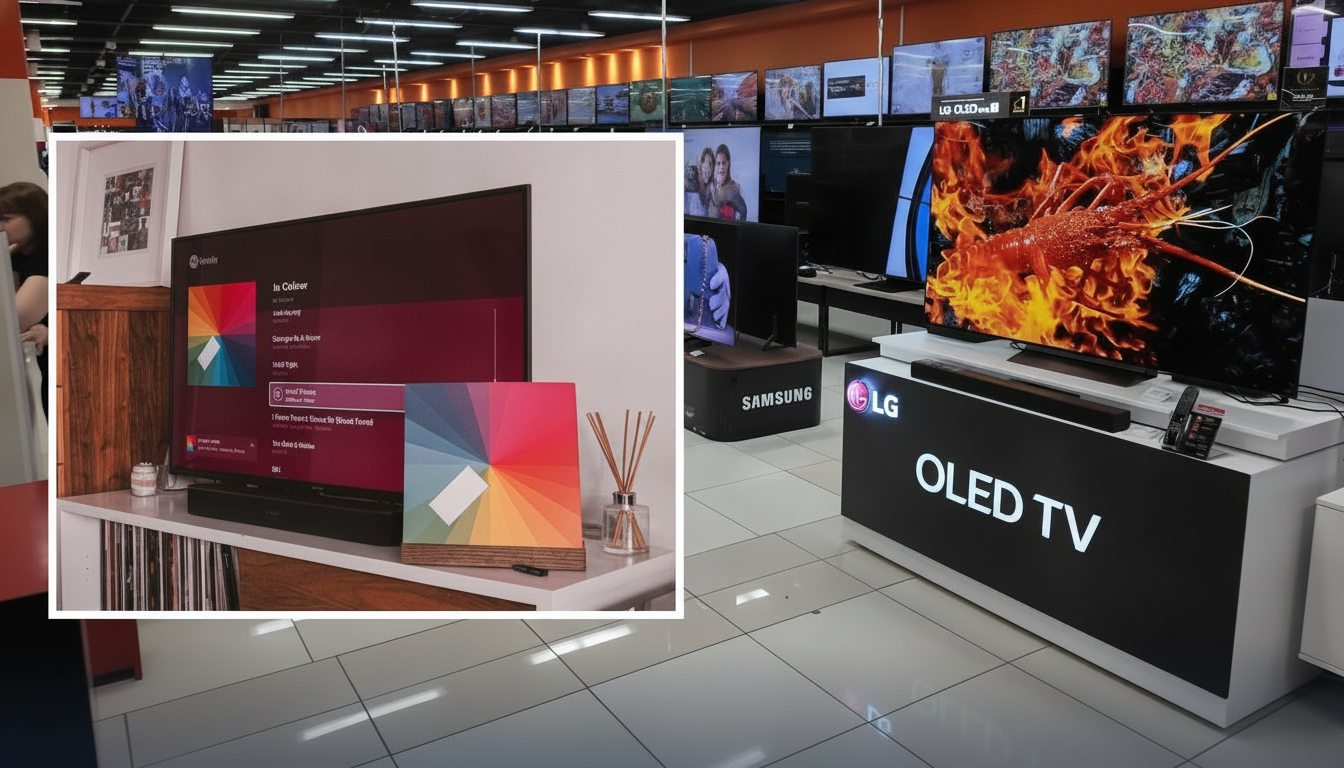
Why In-Store TVs Look Different from Your Home Setup
According to Novyny.live: Televisions displayed in retail stores are often set to a special picture mode designed to grab shoppers' attention. This mode, sometimes labeled 'Demo Mode' or 'Store Mode,' cranks up brightness, contrast, and motion smoothing to make the image pop under bright showroom lights. By contrast, the same TV at home typically runs in a more natural 'Home Mode,' which prioritizes comfortable viewing in typical household lighting conditions.
Most modern smart TVs automatically switch to Home Mode during initial setup. However, if the device is ever reset to factory defaults, it may revert back to the aggressive Demo Mode—leading to overly bright and contrast-heavy visuals that aren't ideal for everyday living rooms. This difference can catch buyers off guard after they bring the TV home.
How to Adjust Picture Modes on Different Brands
Switching between these modes varies by manufacturer. Here are the steps for common brands:
- On LG TVs: Go to 'Settings,' then 'Support,' and choose 'Home Mode.'
- On Samsung TVs: Navigate to 'Settings' → 'General & Privacy' → 'System Manager' → 'Usage Mode' → 'Home Mode.' If prompted for a PIN, the default is 0000 unless the user changed it.
- On Sony TVs: The relevant option may be under 'Settings,' 'System,' 'Device Settings,' or 'Demo Mode Settings.' Look for 'Demo Mode & Reset Picture Settings' to switch to Home Mode.
Understanding the difference between Demo and Home modes is key for getting the best viewing experience. Choosing the right mode can significantly improve picture quality, reduce eye strain, and extend the life of your TV by avoiding unnecessary brightness that accelerates screen wear.
Knowing how to switch picture modes helps consumers avoid unpleasant surprises after buying a new television.
Leaving a TV in Demo Mode at home can lead to faster screen degradation and lower image quality over time. Properly configuring the settings ensures you get the most out of your investment, delivering comfortable and accurate visuals for years to come.
Read also
- Ukraine's Drone Forces Sink 183 Russian Shadow Fleet Vessels, Unleash New Missiles and Strike Crimea
- Ukrainian Firm SkyFall Unveils P1-SUN Jetkiller Interceptor Drone: Key Details Emerge
- World’s First 500 MW Impulse Hydropower Plant Under Construction in China: Trials Succeed
- Russia Launches Second Batch of 'Rassvet' Satellites — Can It Catch Up to Starlink?
- Japan Introduces Paid Cooling Booth for People—Here's What You Need to Know
- Serial Production Looms for Ukraine’s New Firefly Munition After Successful Tests