10 Ways to Speed Up Your Slowing iPhone Without Repair.

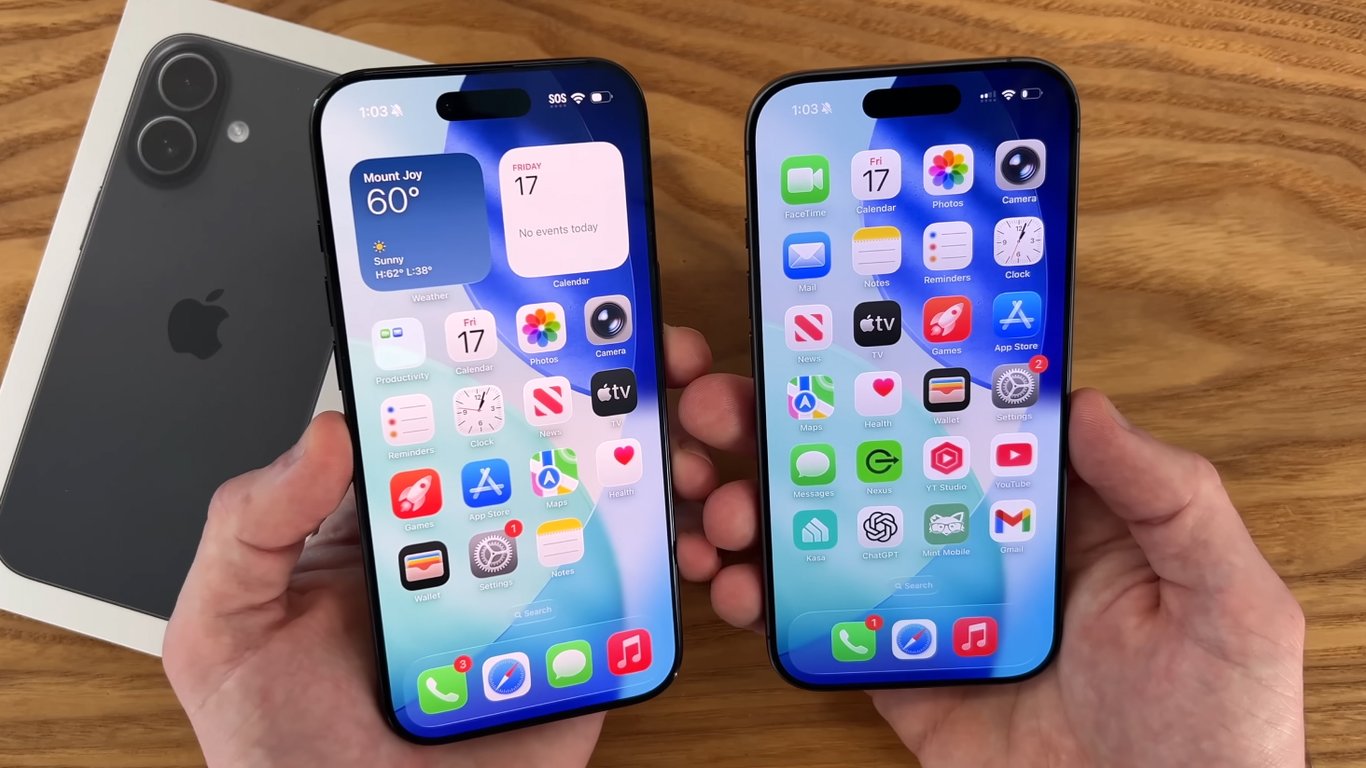
How to Boost iPhone Performance Without Taking It to a Shop
According to Novyny.live: Over time, iPhones often slow down due to various factors. This article explores practical ways to improve speed without any repairs, including restarting the device, updating iOS, checking battery health, and freeing up storage space. System updates can fix bugs and optimize performance, which helps keep the phone running smoothly.
A worn-out battery is a major cause of sluggishness, as iOS may limit performance to prevent unexpected shutdowns. Users should also monitor storage capacity, because a nearly full drive can significantly reduce overall speed. Closing heavy apps can make a noticeable difference, as background app refresh drains both resources and battery life.
Extra Tips for Better Performance
Reducing motion effects and animations can make older iPhone models feel faster. Overheating also hurts performance, so avoid using the device for long periods in hot environments. Clearing app data can restore speed, while resetting settings or performing a full system restore should only be considered as a last resort.
It is worth noting that Apple has classified the iPhone 5 as obsolete, which affects support and update availability for that model. All these factors should be taken into account to keep an iPhone running optimally without repairs.
This information is especially useful for owners of older iPhone models, as device support becomes limited over time. Since Apple no longer provides updates for the iPhone 5, users may want to consider upgrading to a newer model for better performance and access to the latest features. By following these recommendations, users can extend the life of their devices until they decide to upgrade.
Read also
- A New Augmented Reality Platform Lets You Read and Build 3D Comics
- How Artificial Intelligence Is Unlocking Billions in Real Estate Value
- Ukraine’s Air Defense Gets a Boost: New 'Hot Dog' Drone Takes Down Over 300 Targets
- Windows That Generate Power Even at Night: A New Solar Innovation
- GE Aerospace’s Hybrid-Electric Aircraft Reaches 30,000 Feet in Key Test Flight
- Kyiv Officially Launches 5G: Coverage Areas and Speed Details Revealed