Why You Should Reboot Your Router Once a Month.

Rebooting Modems and Routers
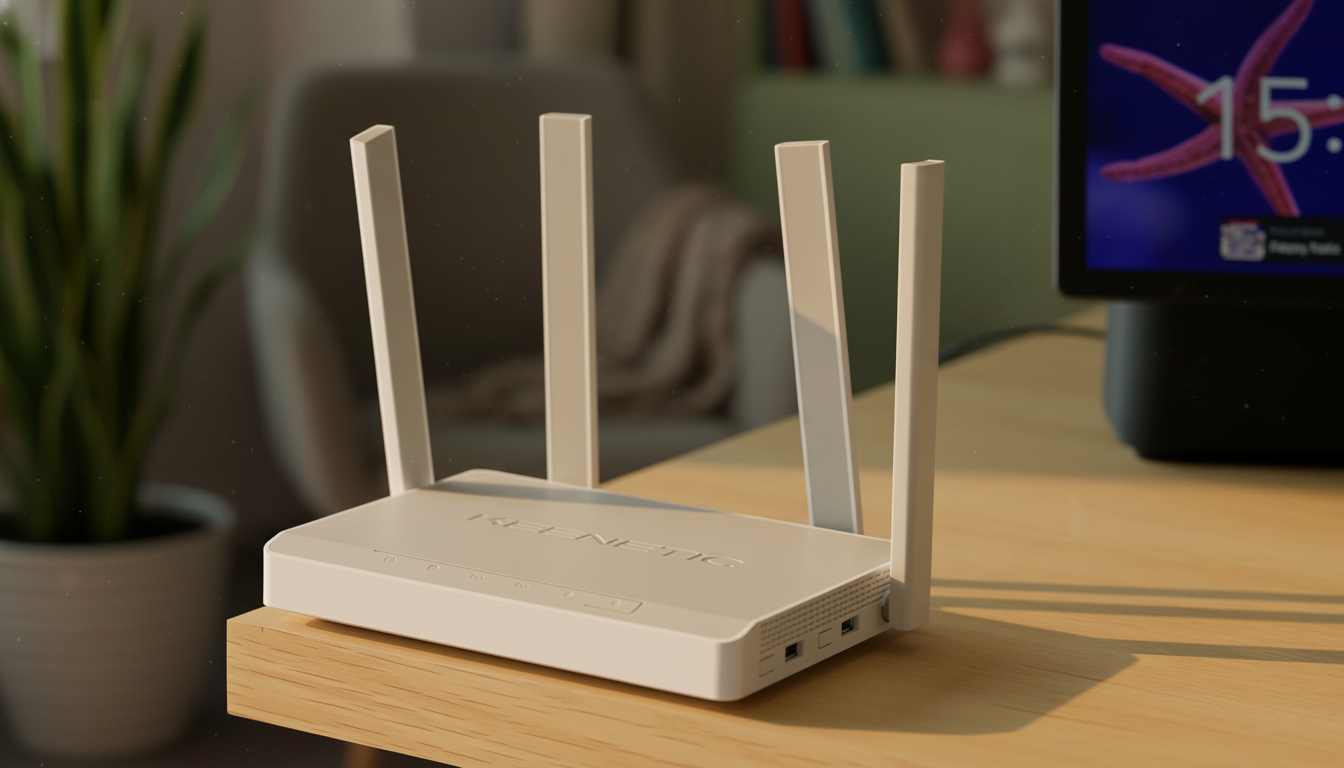
According to Novyny.live: A monthly reboot of your modem or Wi-Fi router can help keep your network running smoothly. Experts suggest performing this task approximately once every 30 days to optimize hardware performance and prevent potential connection disruptions.
When a router restarts, it clears its temporary memory (cache) and reloads the operating system, which can significantly improve data transfer speeds. This regular monthly reset acts as a preventive measure, stopping system errors from piling up and maintaining optimal network performance.
What Causes Slow Internet Speeds
It's also worth noting that slow internet speeds often stem not only from your provider's service quality but also from so-called 'dead zones' in your home or office. These are areas where the Wi-Fi signal fails to reach devices, creating the illusion of poor speed. Additionally, while aluminum foil can redirect a signal, it cannot boost internet power.
Therefore, regularly rebooting routers and modems is a key step in ensuring stable, high-quality internet connectivity. It can also help uncover other network issues.
With growing reliance on the internet for work and study—especially in the era of remote jobs—maintaining a stable connection has become critical. Following expert advice on periodic network equipment reboots can help users avoid the frustration of internet outages. Moreover, being aware of potential 'dead zones' and how to address them can enhance the overall efficiency of your home or office network.
Read also
- A New Augmented Reality Platform Lets You Read and Build 3D Comics
- How Artificial Intelligence Is Unlocking Billions in Real Estate Value
- Ukraine’s Air Defense Gets a Boost: New 'Hot Dog' Drone Takes Down Over 300 Targets
- Windows That Generate Power Even at Night: A New Solar Innovation
- GE Aerospace’s Hybrid-Electric Aircraft Reaches 30,000 Feet in Key Test Flight
- Kyiv Officially Launches 5G: Coverage Areas and Speed Details Revealed