Why Draining Your Android Battery to Zero Ruins It: Smartphone Storage Tips.

Lithium-Ion Batteries in Modern Smartphones
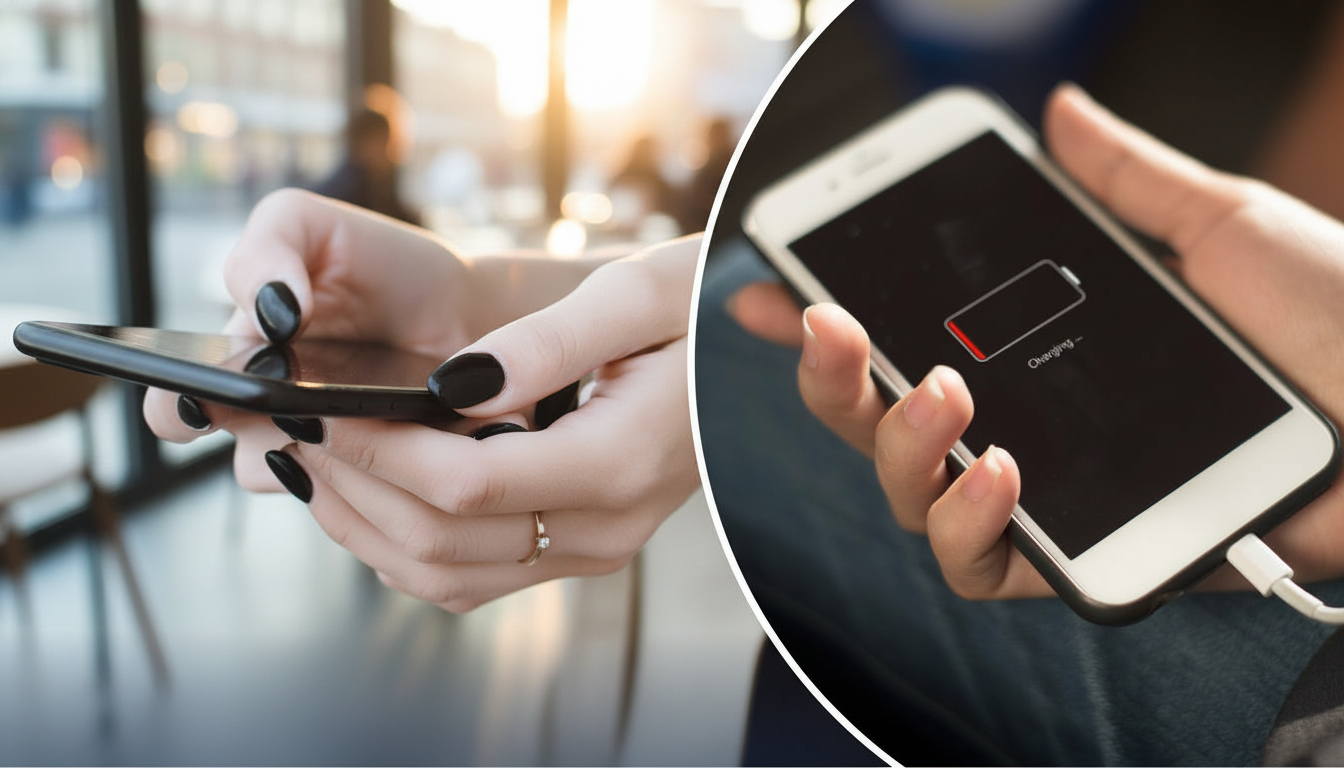
According to Novyny.live: Today’s Android phones rely on lithium-ion batteries, prized for their efficiency and long lifespan. But to keep them healthy, you must charge and store them correctly. Letting the battery drain completely for extended periods can speed up wear and tear. In severe cases, this can cause the battery to swell—a problem often linked to overcharging, voltage issues, deep discharge, or exposure to extreme temperatures.
Battery Care Best Practices
Why is a full discharge so harmful? A lithium-ion battery contains an anode, a cathode, a separator, electrolyte, and current collectors. When it runs completely flat, the internal chemical reactions can break down, permanently reducing its capacity. Avoid letting your battery hit zero percent—it dramatically shortens its usable life.
What if your phone won’t charge? If the battery is swollen, stop using it immediately. Take it to a recycling facility or a service center. Never try to recharge a swollen battery—it’s dangerous. For charging issues, first check for physical damage or try a different charger.
How should you store a phone you won’t use for a while? The best approach is to charge it to a moderate level—around 50% is ideal—and check the charge every few months. This keeps the battery in good condition and prevents a deep discharge. Proper storage and care can significantly extend your battery’s life and keep your device running smoothly.
Understanding how to handle lithium-ion batteries isn’t just for smartphone owners—it’s key to using any electronic device safely. Following charging and storage guidelines reduces risks and supports eco-friendly disposal when batteries wear out. As technology evolves quickly, sticking to basic safety and maintenance habits helps avoid costly or dangerous problems.
Read also
- Google to Build America's Largest Solar Farm: 2.5 GW Facility to Power Data Centers
- Turn Your Old Phone Into a Smart Display: Inside the New ScreenWall Web Platform
- Speed Record Set by Bombardier Global 8000: Los Angeles to Farnborough in Just 8 Hours 46 Minutes
- A New Augmented Reality Platform Lets You Read and Build 3D Comics
- How Artificial Intelligence Is Unlocking Billions in Real Estate Value
- Ukraine’s Air Defense Gets a Boost: New 'Hot Dog' Drone Takes Down Over 300 Targets