How to Stop Your Smartphone From Being Tracked via Wi-Fi.

Preventing Smartphone Tracking on Wi-Fi Networks
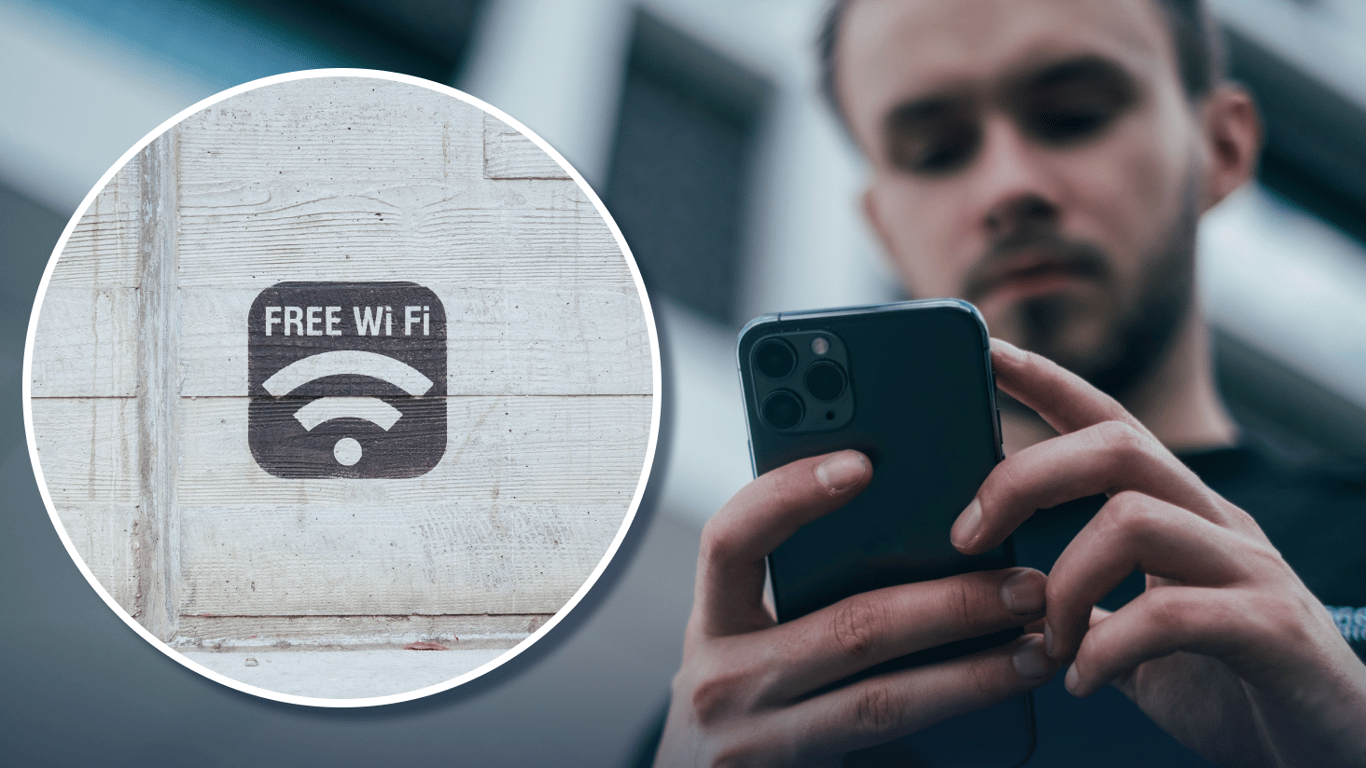
According to Novyny.live: In today's digital landscape, safeguarding your privacy is more critical than ever. One effective method to prevent your smartphone from being tracked over Wi-Fi is to use MAC address randomization. This feature, available on Android 10+ and iOS 14+ devices, helps obscure your device's unique hardware identifier, making it much harder for networks and observers to monitor your movements and habits.
Enabling MAC Address Randomization on Your Device
For Android users, enabling this privacy feature requires navigating to your device's settings. Go to 'Settings', then 'Network & internet' or 'Connections', and select 'Wi-Fi'. From there, you can find and activate the option to use a randomized MAC address for each network you join. This simple step makes tracking your device's activity across different Wi-Fi hotspots significantly more difficult.
iPhone users have access to a similar tool called 'Private Wi-Fi Address'. To turn it on, open 'Settings', tap 'Wi-Fi', and then tap the information icon next to your network name. Here, you can toggle the Private Address option. This ensures your iPhone uses a different, random MAC address for every Wi-Fi network, enhancing your personal data protection.
Android 12 introduced an advanced feature known as non-persistent randomization, which further strengthens user privacy. This function ensures the randomized MAC address is not stored, providing an even higher level of protection against persistent tracking attempts.
By utilizing these built-in MAC address randomization features, smartphone users can substantially improve their defense against Wi-Fi-based tracking with just a few taps in their device settings. This is a crucial step as advertisers and data brokers increasingly use such identifiers to build profiles on individuals. Activating this setting is a straightforward yet powerful way to reclaim a measure of your digital anonymity and limit the data collected by third parties, leading to a more private online experience.
Read also
- NVIDIA to Skip RTX 60 in 2027, Launching RTX 50 Super Instead
- CATL unveils electric truck battery that charges in just 7 minutes
- Chinese Robot Claims Second Consecutive World Title in Humanoid Football Championship
- Samsung Launches Mass Production of PCIe 6.0 SSDs with Read Speeds Reaching 28.4 GB/s
- Smart Glasses Camera Disabled When Indicator Is Damaged: Meta’s New Privacy Update Explained
- NVIDIA Confirms Rigel Core for Rosa Processors: What to Expect from the Upcoming Lineup