Wi-Fi slows down due to the router: how a simple restart can speed up the internet.

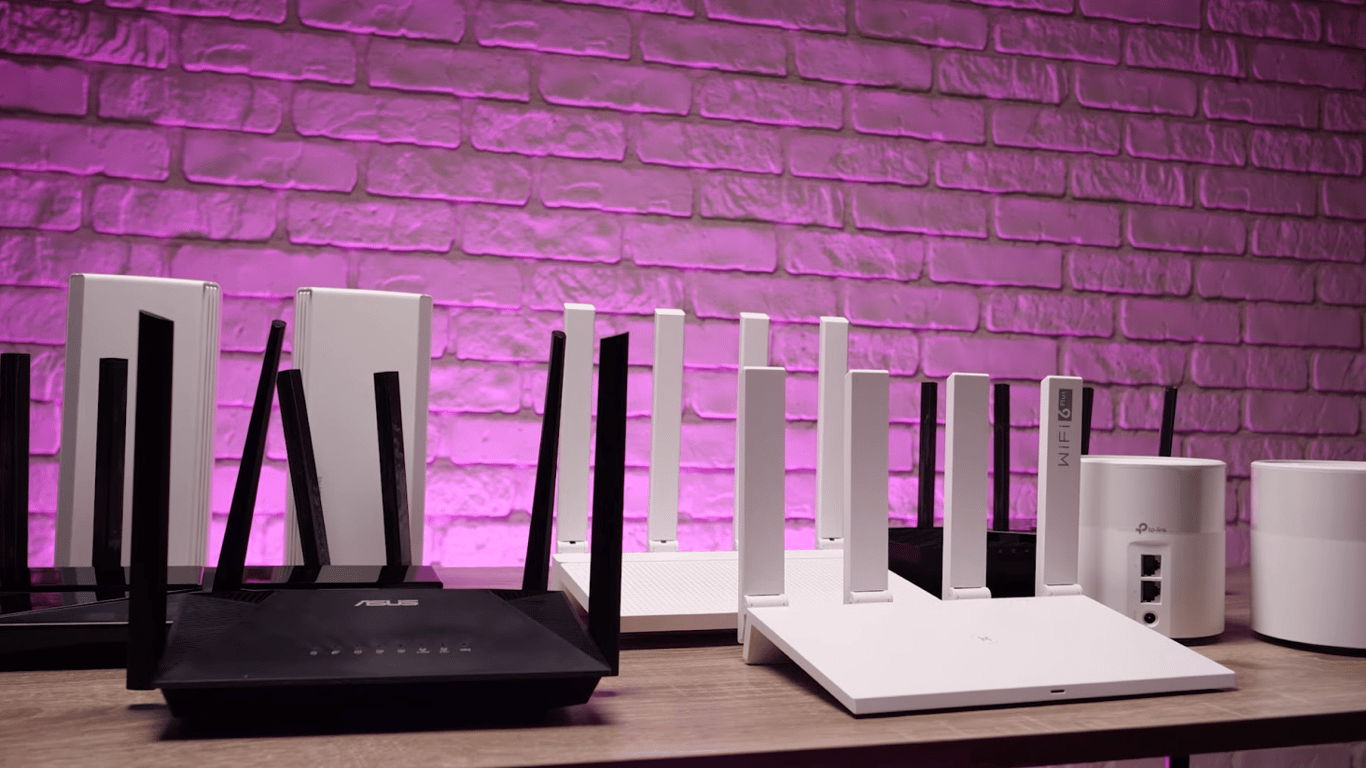
Low speeds and failures in the home network often occur because the router has been running non-stop for weeks. Regularly restarting it once a week helps to 'unload' the device and restore connection stability.
Why restart the router
The router, like any micro-computer, has a processor, RAM, and an operating system. Prolonged operation without interruptions leads to resource overload: the device starts to lag or even disconnects, and it cannot fix such issues on its own. Restarting at least once a week allows:
- to reconnect to the wireless network;
- to update the Wi-Fi channel if automatic selection is enabled;
- to reset inactive sessions at the software level and clear memory;
- to update network protocols.
This improves the router's performance and, accordingly, the stability and speed of the internet. If there are connection issues, this simple step often resolves them.
You can restart the device yourself: disconnect it from the power supply, wait about a minute, and reconnect it. If the model has a power button, press it. After powering on, allow the router another minute for complete loading and Wi-Fi recovery.
If necessary, a complete reset to factory settings is possible, but after this, you will have to set up the router anew, sometimes with the help of a specialist. To perform such a reset while the device is powered on, press the Reset button on the back panel with a thin object (for example, a paperclip) and hold for about 30 seconds. After the reset, log in to the admin panel using the username and password from the sticker on the case and then change the password.
A complete reset is appropriate when software failures occur, access to the admin panel is lost, or the device needs to be passed to another person. Sometimes this speeds up the internet, but it is rather an extreme measure. If you just need to 'refresh' the router's performance, restarting it once a week is sufficient.
It is important to remember that slow internet is often not due to the tariff or network load, but rather to interior elements. A regular mirror can screen and scatter Wi-Fi, creating 'dead zones' and reducing speed.
We also mentioned that the faster the internet tariff, the more disappointment arises when Wi-Fi doesn't 'reach' all rooms, and videos stutter during buffering. Often the cause is not in the provider, but in the position of the router's antennas.
This article explains why it is essential to regularly restart the router in a home network. It describes the advantages of this procedure and provides simple instructions on how to restart the device. It also notes that the placement of the router's antennas is crucial, as it can affect the quality of the connection.
Read also
- Ukrainian Forces Strike Kirov’s Avitek Plant: Key Military Components Under Sanctions
- Ireland Hands Over Aluminum Probe to EU Amid Concerns Over Russian Defense Sector Risks
- A Vatican Meeting Shifted Zelenskyy’s Relationship With Trump: What Happened at St. Peter’s Basilica
- Russian Missiles Minutes from Berlin: Germany's Foreign Minister Issues Stark Warning
- EU Approves 21st Russia Sanctions Package: Key Restrictions and Why It Falls Short of Expectations
- EU Adopts 21st Sanctions Package Against Russia: What It Means for Oil and Banking