Six Household Devices That Can Slow Down Your Home Wi-Fi.

What Affects Your Wi-Fi Speed?
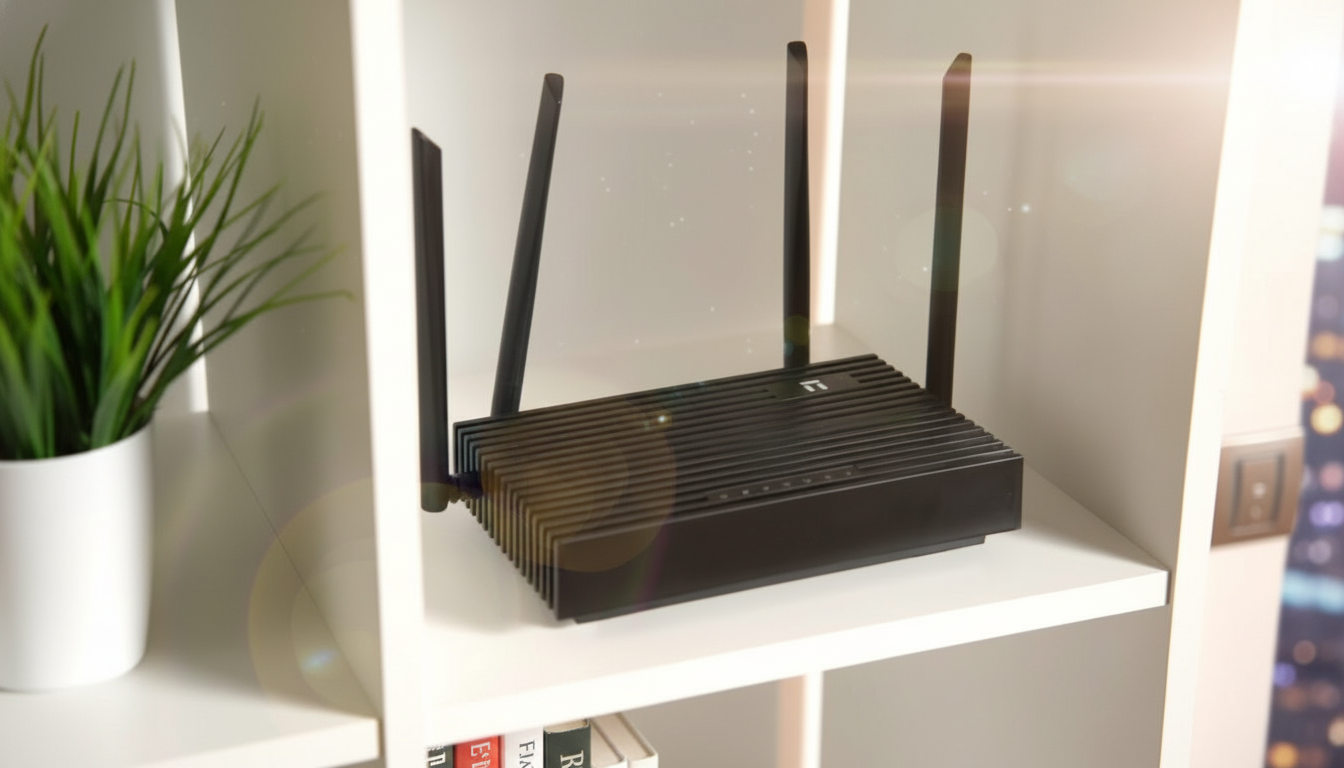
According to Novyny.live: Many factors influence the performance of your home Wi-Fi network. Two of the most critical are where you place your router and which electronic gadgets are nearby. Understanding these elements can help you get a faster, more reliable internet connection.
A major culprit is the 2.4 GHz frequency band. This band is crowded because it is used by many common household devices, including:
- digital baby monitors,
- cordless phones,
- Bluetooth speakers,
- security cameras,
- smart TVs,
- smart home hubs.
When these gadgets operate on the same frequency as your Wi-Fi, they can create interference that slows down your connection speed.
Best Distances for a Stronger Signal
To reduce interference, keep your baby monitor at least 2.5 to 3 meters away from the router. Bluetooth speakers should be placed a minimum of 1 to 1.5 meters from the router to avoid speed drops. Security cameras also consume network bandwidth and generate additional interference, which can degrade performance.
Smart TVs put extra strain on your network, especially when streaming video, which can lead to slower speeds. Similarly, positioning smart home hubs too close to the router risks creating extra interference, making it harder to maintain a stable Wi-Fi signal.
To boost your home Wi-Fi speed, pay careful attention to where you place your router and other household electronics. By minimizing interference and organizing your space wisely, you can significantly improve your network's performance.
This advice is especially relevant today, as more people rely on the internet for work, school, and entertainment. As smart home technology becomes more common, following these placement recommendations can help you optimize your environment for the best possible connection.
Read also
- Ukraine’s Air Defense Gets a Boost: New 'Hot Dog' Drone Takes Down Over 300 Targets
- Windows That Generate Power Even at Night: A New Solar Innovation
- GE Aerospace’s Hybrid-Electric Aircraft Reaches 30,000 Feet in Key Test Flight
- Kyiv Officially Launches 5G: Coverage Areas and Speed Details Revealed
- World’s First Safety Certification Awarded to Swedish Wave Energy Converter Inspired by the Human Heart
- First U.S.-Ukraine Drone Agreement Signed: What It Means for Defense Cooperation